What is RefactorKit?
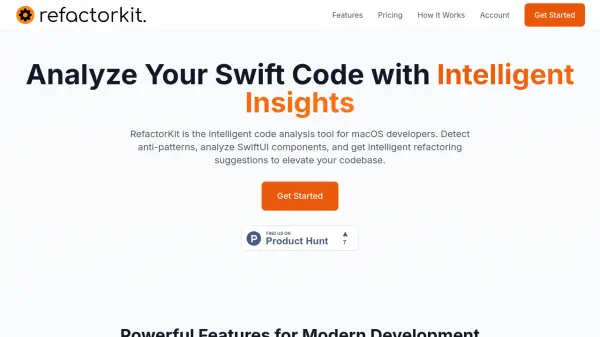
RefactorKit is an intelligent code analysis tool designed for macOS developers working with Swift, SwiftUI, UIKit, and Objective-C. It performs detailed static analysis to identify code smells, anti-patterns, and complexity issues, offering actionable refactoring recommendations. The tool supports 34+ anti-patterns and analyzes 69+ components, providing deep insights into your codebase.
With parallel processing and caching, RefactorKit delivers analysis 5-10x faster than traditional methods, handling large projects in seconds. It also offers educational insights to help developers understand best practices and prevent future issues. Available as a free tier with basic features and Pro plans with advanced analysis, HTML/JSON export, and CI/CD integration.
Features
- Comprehensive Code Analysis: Detailed static analysis of Swift code structure and quality with actionable recommendations.
- Multi-Framework Support: Analyze SwiftUI, UIKit, and Objective-C code with migration recommendations.
- Lightning Fast: Parallel processing and intelligent caching accelerate analysis by 5-10x.
- Anti-Pattern Detection: Identify 34+ code smells and anti-patterns like massive view controllers and retain cycles.
- Component Analysis: Deep analysis of 69+ SwiftUI and UIKit components for complexity and optimization.
- Educational Insights: Learn best practices with detailed explanations of issues and prevention tips.
Use Cases
- Improve Swift code quality by detecting anti-patterns and code smells.
- Refactor legacy Objective-C codebases with migration recommendations.
- Analyze SwiftUI component complexity for performance optimization.
- Integrate code analysis into CI/CD pipelines for continuous quality checks.
- Educate junior developers on Swift best practices with detailed insights.
FAQs
-
Does RefactorKit support Objective-C and UIKit analysis?
Yes, RefactorKit supports analysis of Swift, SwiftUI, UIKit, and Objective-C code, including migration recommendations for legacy codebases. -
Can I integrate RefactorKit into my CI/CD pipeline?
Yes, the Pro plans include CI/CD integration, allowing you to run code analysis automatically as part of your build process. -
What export formats are available?
Pro plans support exporting results to HTML and JSON formats. -
How fast is the analysis?
RefactorKit uses parallel processing and intelligent caching to make analysis 5-10x faster than traditional tools, analyzing large projects in seconds.