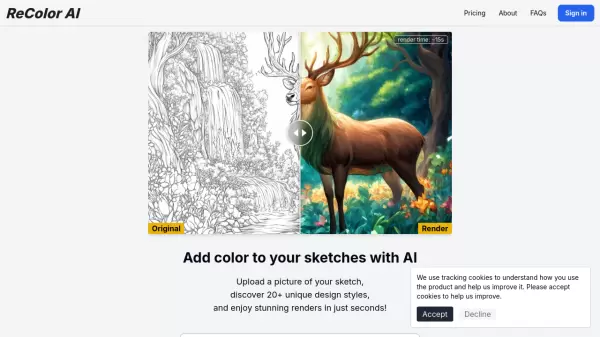
What is ReColor AI?
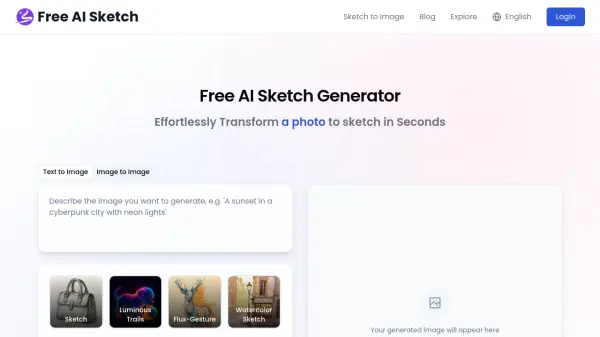
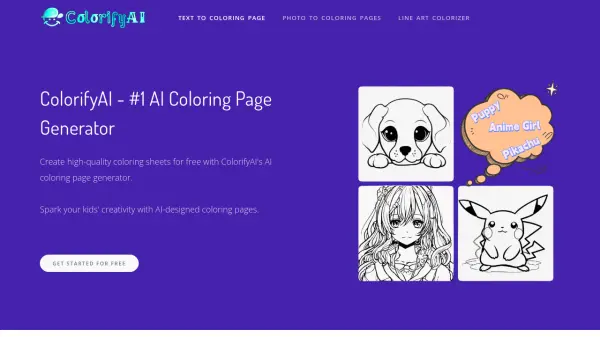
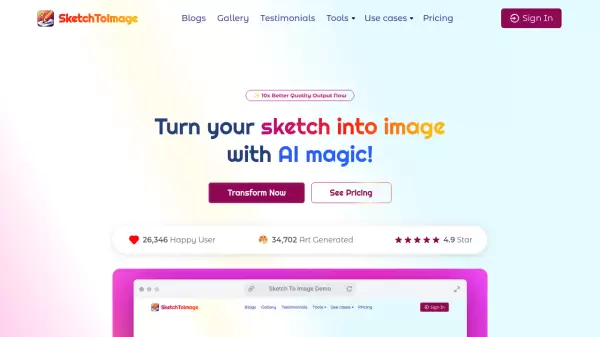
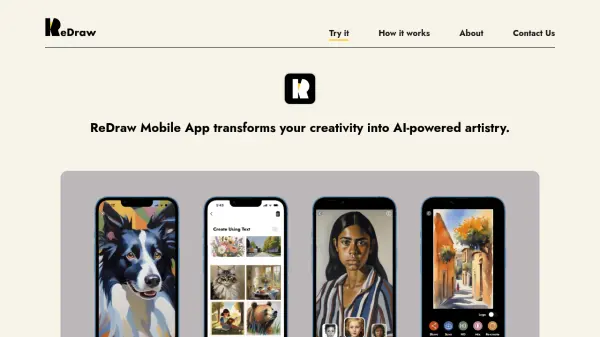
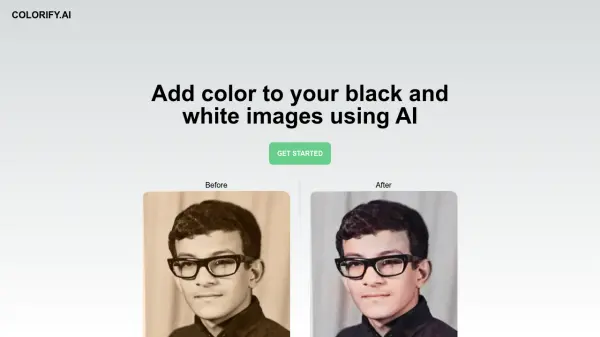
ReColor AI is a sophisticated artificial intelligence platform that specializes in colorizing sketches and drawings. The platform offers over 20 unique design styles, allowing artists and designers to transform their black and white sketches into vibrant, professionally rendered artwork within seconds.
The tool features an intuitive upload interface and supports various artistic styles ranging from Classic Realism to Modern Minimalist, Punk Graffiti, and Abstract Expressionism. Each style provides a distinct aesthetic approach to colorization, giving users creative flexibility in their artistic projects.
Features
- Rapid Processing: Renders colored versions in ~15 seconds
- Multiple Style Options: 20+ unique design styles available
- Style Variety: Includes Classic Realism, Modern Minimalist, Pop Art, and more
- Easy Upload: Simple interface for sketch submission
- Batch Generation: Create multiple style variations from a single sketch
Use Cases
- Artists colorizing their sketches
- Designers exploring different color schemes
- Illustrators testing various artistic styles
- Art students experimenting with color theory
- Digital artists creating multiple versions of artwork
- Concept artists developing color variations
FAQs
-
How long does it take to render a colored version of my sketch?
The rendering process takes approximately 15 seconds per image. -
How many different artistic styles are available?
ReColor AI offers more than 20 unique design styles, including Classic Realism, Modern Minimalist, Pop Art, and many more. -
Do I need to create an account to use ReColor AI?
Yes, you need to confirm your email or sign in with Google to use the service. -
What type of images can I upload to ReColor AI?
You can upload sketches and black and white drawings for colorization. -
Can I generate multiple style variations from one sketch?
Yes, you can generate multiple different styled versions from a single sketch using the various available design styles.