Recipe Keeper favicon

Recipe Keeper
The easiest way to organize your recipes

What is Recipe Keeper?

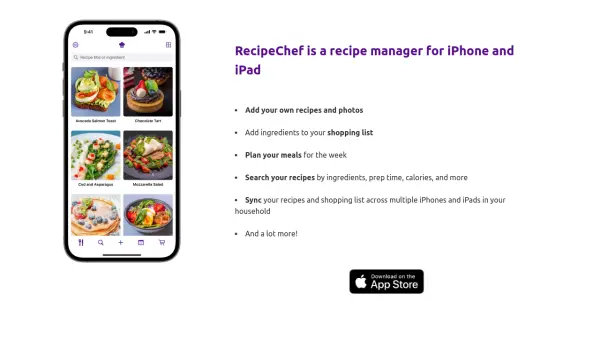
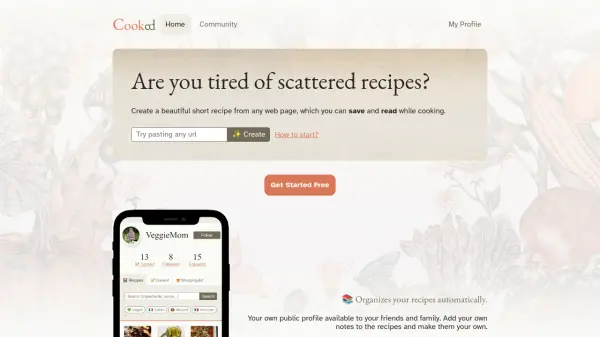
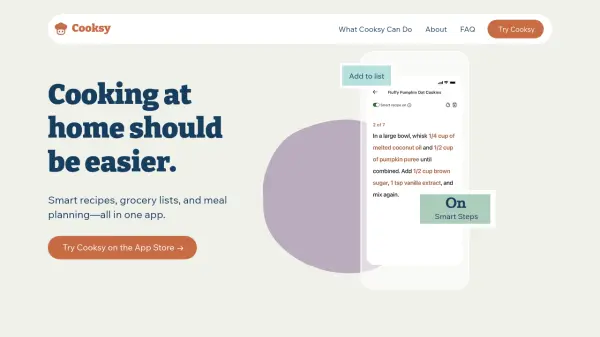
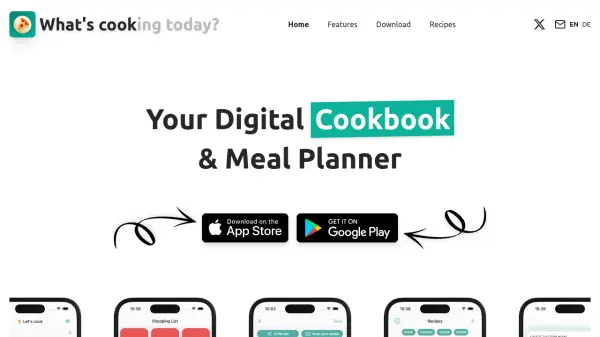
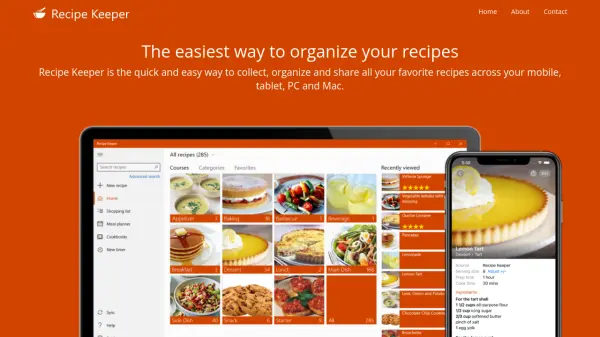
Recipe Keeper provides a central hub for collecting, organizing, and sharing recipes across multiple devices including iPhone, iPad, Android, Windows PC, and Mac. Users can add recipes manually, import from hundreds of websites, or snap photos of recipes from books and magazines using OCR technology. The tool also features a fully integrated shopping list that groups items by aisle and a weekly/monthly meal planner to simplify meal preparation. Additional capabilities include recipe scaling, hands-free cooking with Amazon Alexa, and the ability to create beautiful printable cookbooks.

Features

  • Recipe Import: Import recipes from hundreds of websites, Instagram, TikTok, or snap photos from cookbooks.
  • Shopping List: Automatically groups ingredients by aisle and supports multiple lists.
  • Meal Planner: Weekly and monthly planner to schedule meals and add all ingredients to shopping list.
  • Recipe Scaling: Adjust serving sizes and automatically recalculate ingredients.
  • Multi-Device Sync: Sync recipes across iPhone, iPad, Android, PC, and Mac.
  • Cookbook Creation: Create custom printable or PDF cookbooks with personalized layouts.
  • Alexa Integration: Cook hands-free with step-by-step voice instructions via Amazon Alexa.
  • Recipe Search: Find recipes by name, ingredient, or directions quickly.

Use Cases

  • Organizing personal recipe collections from various sources
  • Planning weekly meals and creating shopping lists
  • Sharing family recipes with friends and relatives
  • Scaling recipes for different serving sizes
  • Creating custom cookbooks as gifts
  • Cooking hands-free using voice commands

Helpful for people in the following professions

Blogs:

  • Top AI tools for Teachers

    Top AI tools for Teachers

    Explore the top AI tools designed for teachers, revolutionizing the education landscape. These innovative tools leverage artificial intelligence to enhance teaching efficiency, personalize learning experiences, automate administrative tasks, and provide valuable insights, empowering educators to create engaging and effective educational environments.

  • Best AI tools for trip planning

    Best AI tools for trip planning

    These tools analyze user preferences, budget constraints, and destination details to provide personalized itineraries, suggest optimal routes, recommend accommodations, and even offer real-time updates on weather and local events.

  • AI thumbnail maker tools

    AI thumbnail maker tools

    Automatically generate visually appealing and optimized thumbnails for various digital content, streamlining the design process and enhancing visual engagement

  • Top 6 AI note-taking tools for 2026: in-person, online, and hybrid use cases

    Top 6 AI note-taking tools for 2026: in-person, online, and hybrid use cases

    Most AI note-taking lists are really lists of meeting bots, which join your video call and transcribe it. That's useful, but it's half the picture. Decisions happen in hallway conversations, client dinners, on-site visits, and hybrid rooms where nobody is on a video link. This guide covers different parts of the note-taking workflow: hardware capture for in-person settings, platform-native tools for online calls, and AI layers for organizing and synthesizing what you've captured. It compares six tools by capture context, workflow fit, pricing, and limitations.

Didn't find tool you were looking for?

Be as detailed as possible for better results