What is ReachOwl?
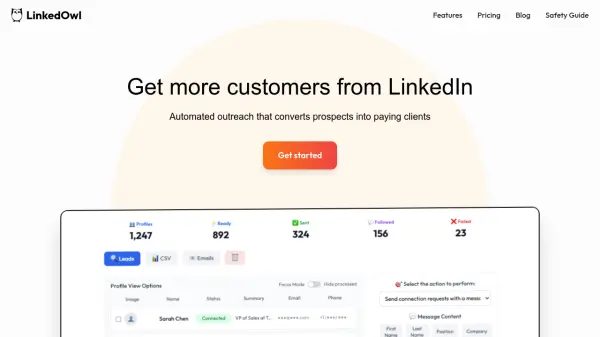
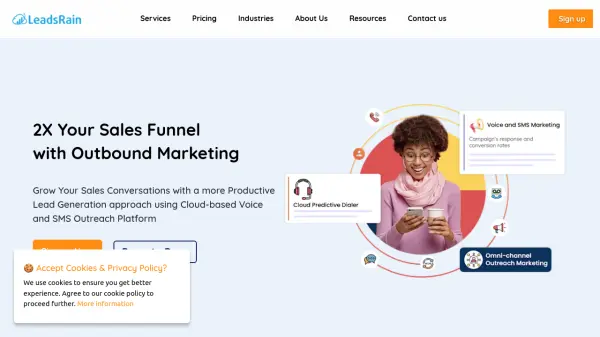
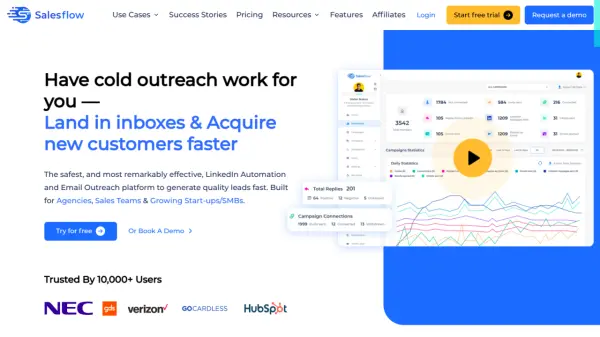
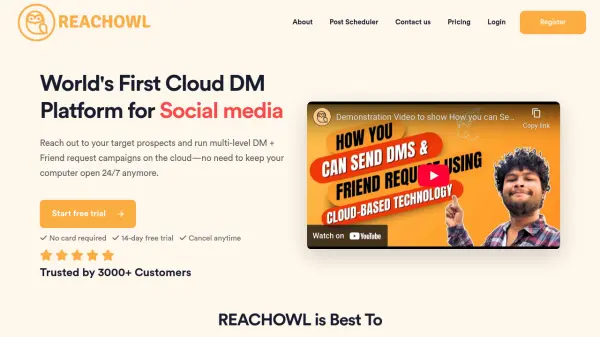
ReachOwl is a cloud-based direct message (DM) platform designed to help businesses automate their outreach on social media. It allows users to run multi-level DM and friend request campaigns without needing to keep their computer running 24/7.
The platform enables users to target specific audiences by scanning social media groups, posts, ads, and competitor followers. This focused approach facilitates meaningful conversations with potential clients, and it helps to improve lead generation and ultimately increase sales through social media.
Features
- Cloud-Based Operation: Runs campaigns without needing a computer to be constantly on.
- Multi-Level Campaigns: Supports both direct message and friend request campaigns.
- Targeted Audience Extraction: Finds leads from social media groups, posts, ads, and competitor interactions.
- Automated Messaging: Sends unlimited automatic messages.
- Keyword Monitoring: Monitors posts within closed social media groups based on specific keywords.
- Team Collaboration: Allows multiple team members to integrate their own social media accounts.
Use Cases
- Increase appointment bookings
- Validate business ideas
- Improve revenue generation
- Find link building opportunities
- Identify early customers
- Target competitor's customers
FAQs
-
Will my Social account be safe?
Yes! ReachOwl in an extremely human manner. There are randomized intervals on how long ReachOwl will wait before sending the next message or friend request. You can also choose to message people based on minimum friend requests and keywords in profile bio, to ensure that you are always reaching out to the right people. You can set the campaign level and account level limits. If you scan audiences too much or too fast, you get restricted. It is recommended to use alt accounts. -
Can I get blocked for using your extension?
Not likely, ReachOwl extension is used just to scan audiences rest of the process is done in the cloud. ReachOwl intend to allow you automation your profile actions, and no tool can beat Social media platform's security and algorithms. It's recommeded to use the tool with your secondary profile. -
Do we need an anti-detect browser to use ReachOwl?
No, ReachOwl works on the cloud. You can add multiple accounts and set proxy for each account within the tool. There is no need for anti-detect browser. -
Can I close my computer after scheduling a social media post?
Yes, you can close the browser or even shut down your computer/laptop. Your post will be served from the cloud, based on the proxy configuration you've entered. -
Which platforms can we monitor keywords on?
You can monitor keywords on all major social media platforms like meta, reddit, quora, linkedin and so many more..