What is RapidAPI for Mac?
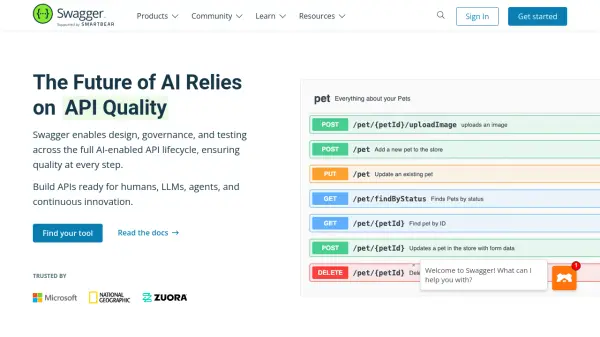
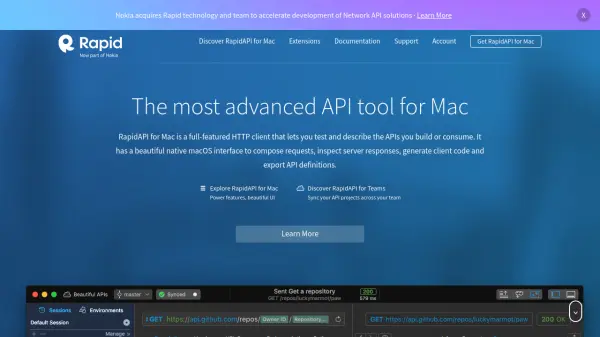
RapidAPI for Mac is a native macOS application that streamlines API development by serving as a complete HTTP client and API description tool. Users can effortlessly compose and test API requests, inspect responses, and manage all aspects of their API projects through a beautiful, intuitive interface tailored exclusively for Mac users. The software supports major API description formats such as JSON Schema, Swagger, RAML, and API Blueprint, enabling users to document and export API definitions with ease.
Designed to enhance both individual and team workflows, RapidAPI for Mac offers powerful features like visual request building, textual descriptions of parameters, and seamless team synchronization. Teams can collaborate in real time, maintain separate branches, and manage conflict-free merges, ensuring a streamlined and safe API development workflow. With free access for personal and professional use, it is optimized for developers seeking reliable and advanced API project management on macOS.
Features
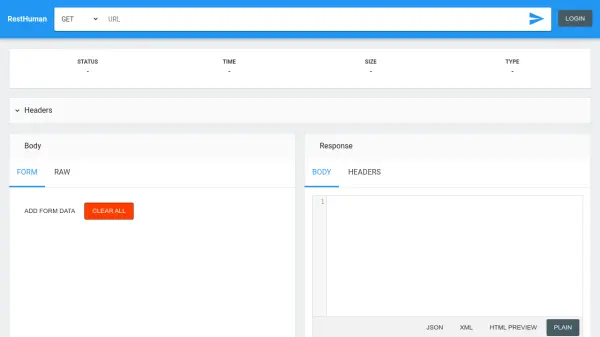
- HTTP Client: Compose, send, and test all types of HTTP requests.
- API Description: Describe and document APIs with native support for JSON Schema, Swagger, RAML, and API Blueprint.
- Teamwork: Synchronize projects in real time, manage branches, and handle conflict-free merges for team collaboration.
- Visual Editor: Intuitive interface for building requests and describing parameters with typing and constraints.
- Personal Sync: Save work locally or synchronize projects across devices using RapidAPI Studio.
Use Cases
- Testing new or existing APIs on macOS platforms.
- Collaborating on API development projects within teams.
- Documenting APIs for internal or public use.
- Generating and exporting API definitions for client code development.
- Managing change control in API projects with branch-based workflows.