

What is RadarOmega?
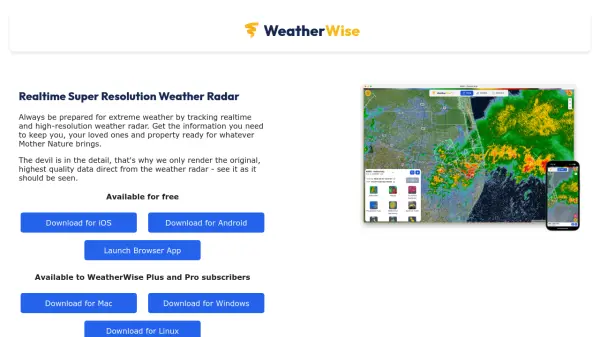
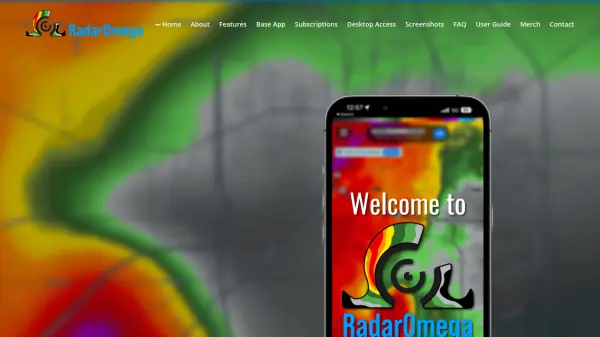
RadarOmega is a feature-rich storm tracking application designed to provide users with real-time, high-resolution radar data for monitoring rapidly changing weather conditions. Offering access to single site radar products, customizable viewing experiences, and integration with official weather outlooks and alerts, it delivers a robust solution for both personal and professional weather monitoring needs.
Available across iOS, Android, Windows, MacOS, and Linux, RadarOmega goes beyond standard radar by offering satellite data, lightning detection, detailed map views, storm reports, and customizable notifications. Whether for severe weather tracking, hurricane monitoring, or routine forecasts, RadarOmega stands out for its speed, accuracy, and extensive customization capabilities.
Features
- Hi-Resolution Radar: Access single site radar data including reflectivity, velocity, and dual-polarization.
- Global Coverage: Radar data available for the U.S., Canada, Germany, Australia, and South Korea.
- Customizable Display: Personalize settings, data layers, and map types with Mapbox integration and zoom.
- Real-Time Alerts: Receive official National Weather Service weather alerts and push notifications.
- Satellite and MRMS Data: View high-resolution satellite data and MRMS for hail, rotation, and precipitation.
- Storm Tracking and Drawing Tools: Utilize advanced tools for tracking, drawing, and radar animations.
- Lightning Detection: Integrated lightning strike detection and animation.
- Multi-Platform Access: Use on iOS, Android, Windows, MacOS, and Linux with desktop accessibility for subscribers.
- Long-Term Radar History: Access up to 90-day radar history with extensive frame animations.
- Custom Locations and Sharing: Save multiple locations, monitor live cameras, and share radar GIFs and videos.
Use Cases
- Severe weather tracking for individuals and emergency responders.
- Monitoring hurricanes, tornadoes, and winter storms in real-time.
- Customizable radar data visualization for meteorology enthusiasts.
- Receiving instant severe weather warnings and alerts at home or on the go.
- Managing safety and preparedness plans for families or organizations.
- Historical storm research and weather event documentation.
- Professional weather monitoring for broadcasters, pilots, and first responders.
- Educational purposes in meteorology and earth sciences classes.
FAQs
-
Where can I install RadarOmega?
RadarOmega can be installed from the iOS App Store or the Google Play Store. Desktop versions are available for Windows, MacOS, and Linux for subscribers. -
How can I purchase a subscription?
Subscriptions are available through the mobile app by selecting “Manage Subscription” in the side menu, where users can create an account and select the desired package. -
Does RadarOmega offer desktop access?
Yes, desktop access is included with all subscription levels and supports Windows, MacOS, and Linux platforms. -
Can I access RadarOmega via a web browser?
No, RadarOmega is only available as a native application and does not support web browser access. -
What happens if I switch between iOS and Android?
The base application purchase is not cross-platform, so users must repurchase if changing between iOS and Android platforms. Subscriptions can be accessed on any supported platform.