What is Quench.ai?
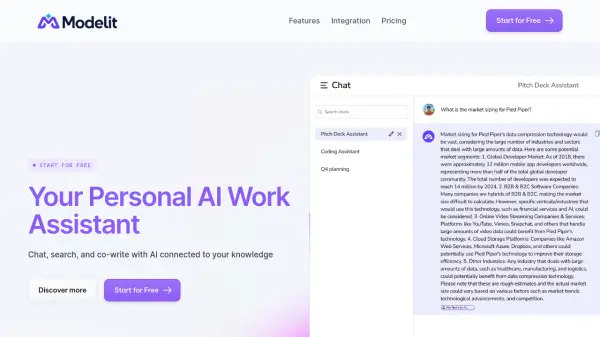
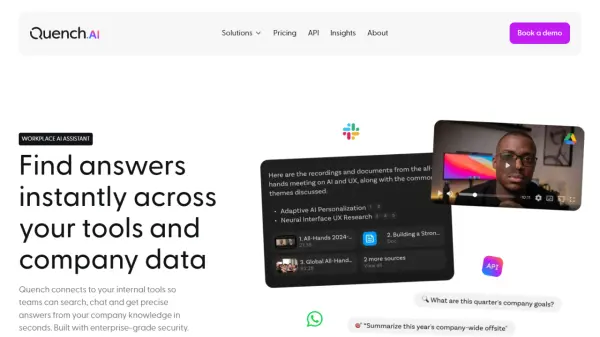
Quench.ai is a Work AI Assistant designed to enhance team productivity by connecting to internal tools and company data. It offers a range of features that enable quick access to information and streamline workflows.
By integrating with various platforms and utilizing advanced Large Language Models (LLMs), Quench.ai helps teams find answers faster and centralize company knowledge. The platform offers flexible solutions tailored to the needs of different departments, including Operations, Sales, Support, and People teams.
Features
- Search: Quickly find information across connected tools.
- Chat: Interact with the AI to get answers and insights.
- Roleplay: Simulate scenarios and interactions for training and analysis.
- Integrations: Connect with various internal tools for seamless data access.
- Knowledge Management: Centralize and manage company knowledge efficiently.
- WhatsApp access: Access features from WhatsApp
- Slack access: Access features from Slack
- Browser extension: Use features using Browser extension
Use Cases
- Finding information across tools
- Onboarding new employees
- Scaling internal Knowledge
FAQs
-
How much does Quench.ai cost per user?
Quench.ai offers a per-user pricing model at $8 per month. -
What are the core features included in the per-user plan?
The per-user plan ($8/month) includes: • Search, Chat, and Roleplay • WhatsApp and Slack access • Core integrations • Browser extension -
What additional features are available with the usage-based plan?
Custom AI integrationsDedicated supportPrioritized new integration requests -
Which LLMs does Quench.ai support?
Quench.ai integrates with leading AI models, including: • OpenAI and Google • Additional support for Mistral and Anthropic (available in the usage-based plan).