What is QStudio?
QStudio is an intelligent SQL editor developed by TimeStored, specifically designed for financial analysts working within financial institutions. This free tool provides a comprehensive environment for querying databases directly from the editor interface, enabling seamless data analysis workflows.
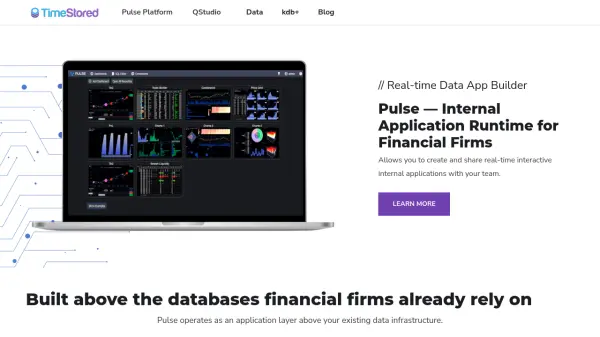
The platform offers advanced features including syntax highlighting, code completion, and a server browser for visually exploring database objects. QStudio also includes charting capabilities for data visualization, allowing analysts to transform query results into meaningful graphical representations without switching between applications.
Features
- Intelligent SQL Editor: Provides syntax highlighting and code completion for efficient query writing
- Direct Server Querying: Allows querying databases directly from the editor interface
- Data Visualization: Includes charting capabilities for displaying query results graphically
- Server Browser: Offers visual exploration of database objects and structures
- Financial Industry Focus: Specifically designed for use in financial institutions
Use Cases
- Financial data analysis and reporting
- Database query optimization and testing
- Real-time data visualization for financial metrics
- SQL code development and debugging
- Database exploration and object management