What is PullApprove?
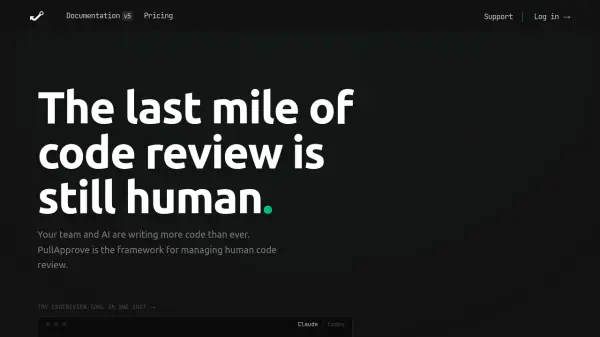
PullApprove provides a configurable framework for managing human code review in GitHub pull requests. It replaces GitHub's CODEOWNERS with a more powerful CODEREVIEW.toml file that combines code ownership with precise approval requirements. Teams can define scopes, ownership rules, approval thresholds, and alternates, all version-controlled alongside the code. PullApprove is designed to work alongside AI code review tools, handling the final human signoff step. It has been used in production for over a decade by teams of all sizes, from small startups to large enterprises, and offers both cloud and self-hosted options.
Features
- Config as Code: Define review policies in a CODEREVIEW.toml file, version-controlled alongside your code.
- Path-Based Ownership: Assign file ownership with path patterns, supporting overlapping scopes.
- Per-Scope Approval Thresholds: Set different approval requirements for each scope or large-scale changes.
- Alternate and Backup Reviewers: Designate fallback reviewers when primary reviewers are unavailable.
- Reviewed-for Confirmation: Require reviewers to explicitly confirm code meets criteria, not just approve.
Use Cases
- Enforce mandatory code reviews for security-sensitive files.
- Manage approvals for large monorepos with multiple team scopes.
- Automate reviewer assignment based on file path changes.
- Streamline open source project pull request workflows.
- Ensure compliance with regulatory approval requirements.
FAQs
-
How is PullApprove different from GitHub's CODEOWNERS?
GitHub's CODEOWNERS file maps file ownership but cannot enforce approval thresholds, request limits, or scoped rules. PullApprove's CODEREVIEW.toml replaces CODEOWNERS with a config that combines ownership and review policy, offering per-scope approval requirements and alternate reviewers. -
Who counts as a 'user' for pricing?
A user is anyone in your GitHub organization who logs in to PullApprove. This includes admins, reviewers, PR authors, or people using the reporting features. -
Is PullApprove an AI code reviewer?
No. PullApprove is a code review management framework for human signoff. It works alongside AI code review tools to streamline the final step of human approval. -
Is there a free plan for open source projects?
PullApprove is free for open source projects that do not have paid contributors. You can contact them to apply. -
What is the difference between the cloud and Enterprise plans?
The cloud plans (Team, Organization, Business) work with GitHub.com. The Enterprise plan supports self-hosted environments, GitHub Enterprise Server, custom legal agreements, and static IP for allow-listing.