What is Protome?
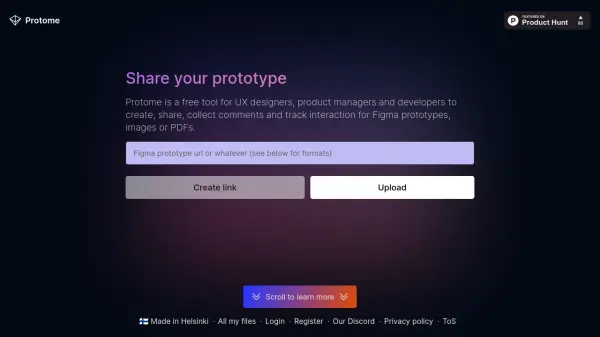
Protome streamlines design collaboration by allowing users to upload and share interactive prototypes, images, or PDFs through a simple link. It provides tools for adding descriptions to guide users on where to click, making prototypes more accessible. Viewers can comment and react without needing to log in, facilitating straightforward feedback collection.
The platform offers detailed analytics on who viewed or interacted with shared files, going beyond basic link tracking. All uploaded files remain private and accessible only via the shared link, with options for deletion. Protome supports various formats including Figma prototypes, Google Slides, JPEG/PNG images, and PDFs with pagination.
Features
- Interactive Prototype Sharing: Upload and share Figma prototypes with guided descriptions for clear user interaction
- Comment and Reaction Collection: Enable viewers to provide feedback through comments and reactions without requiring login
- Analytics Tracking: Monitor statistics on who viewed or interacted with shared files for engagement insights
- Multi-Format Support: Compatible with Figma prototypes, Google Slides, JPEG/PNG images, and PDF files
- Privacy Controls: Files accessible only via shared links with deletion options and temporary storage for anonymous users
Use Cases
- Gathering feedback on UX design prototypes from team members or clients
- Sharing product design concepts with stakeholders for collaborative review
- Collecting user reactions and comments on marketing materials or presentations
- Tracking engagement metrics for shared design files to measure interest
- Facilitating remote design reviews with interactive commenting features