
Design-Copilot favicon

Design-Copilot
Get instant UI-UX feedback

What is Design-Copilot?

Design-Copilot offers a platform for receiving immediate feedback on UI/UX designs. It combines human-like understanding with the power of artificial intelligence to enhance designs effortlessly.

The platform checks design consistency, provides feedback on fonts, colors, and guidelines, and validates accessibility compliance. It integrates with Figma via a plugin and also supports drag-and-drop functionality for design analysis.

Features

  • Guidelines & Consistency Check: Check easily the consistency of your design and get feedback on Font, Colors, Guidelines & more.
  • Accessibility Compliance: Validate your pages of accessibility and get assurance that you followed all guidelines.
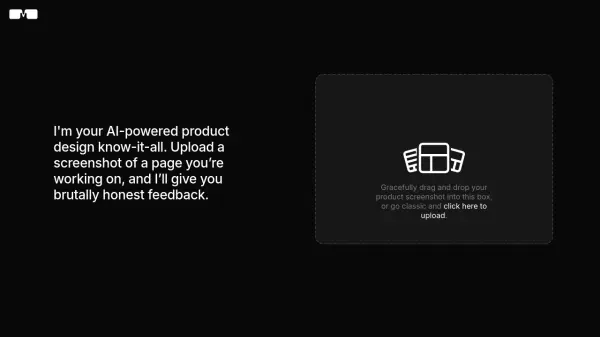
  • Drag & Drop: You can simply drag & drop your designs or use our Figma Plugin for direct feedback.
  • User Flow Analysis: Upload multiple Mockups to receive feedback on User Flows and UX.
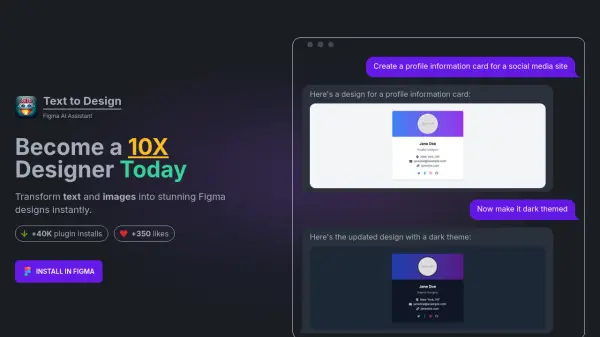
  • Seamless Integration with Figma Plugin: Our Figma plugin seamlessly integrates with your design workflow, extending Figma's capabilities and making your design process even more efficient.

Use Cases

  • Improving the consistency of design elements.
  • Ensuring designs meet accessibility guidelines.
  • Analyzing and optimizing user flows.
  • Streamlining the design feedback process within Figma.
  • Accelerating project completion with instant design recommendations.

Related Tools:

Blogs:

  • Best AI tools for trip planning

    Best AI tools for trip planning

    These tools analyze user preferences, budget constraints, and destination details to provide personalized itineraries, suggest optimal routes, recommend accommodations, and even offer real-time updates on weather and local events.

  • Ghibli Art Generator AI tools

    Ghibli Art Generator AI tools

    List of the best AI tools to turn your photos into images that look like Studio Ghibli movies. Easy to use and fun for everyone.

  • Top 6 AI note-taking tools for 2026: in-person, online, and hybrid use cases

    Top 6 AI note-taking tools for 2026: in-person, online, and hybrid use cases

    Most AI note-taking lists are really lists of meeting bots, which join your video call and transcribe it. That's useful, but it's half the picture. Decisions happen in hallway conversations, client dinners, on-site visits, and hybrid rooms where nobody is on a video link. This guide covers different parts of the note-taking workflow: hardware capture for in-person settings, platform-native tools for online calls, and AI layers for organizing and synthesizing what you've captured. It compares six tools by capture context, workflow fit, pricing, and limitations.

  • AI tools for video voice overs

    AI tools for video voice overs

    Discover the next level of video production with AI-powered voiceover tools. Enhance your content effortlessly, ensuring professional-quality narration for your videos.

Didn't find tool you were looking for?

Be as detailed as possible for better results