What is PromptBox?
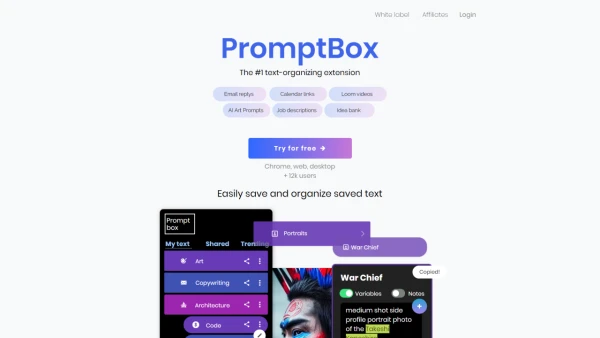
PromptBox is designed to enhance the productivity of individuals who frequently use and manage text online. It serves as an organizational tool, allowing users to save and categorize text snippets with ease. Users can utilize 'shortcuts' to paste templates anywhere on the web, avoiding the need to re-type frequently used text. The extension offers features such as organizing text with folders, colors, and pictures, and the functionality to share or sell custom prompts. PromptBox's integration with various apps amplifies its utility in streamlining the text management process.
Features
- Paste templates with '/shortcuts': Allows for easy insertion of text templates using shortcuts.
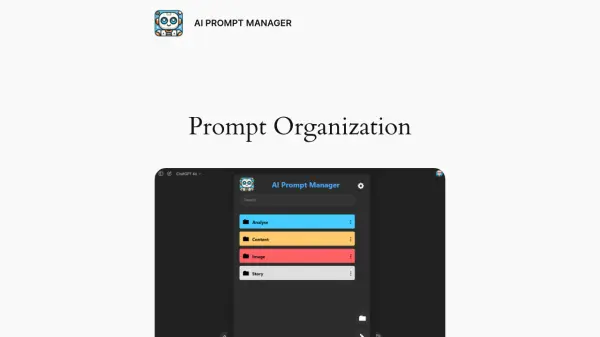
- Organize text: Users can arrange their text snippets into folders and add colors or pictures for better organization.
- Share or sell prompts: Provides functionality for users to share their own text collections or sell them to others.
Use Cases
- Managing email responses efficiently
- Quick access to frequently used calendar links
- Instant insertion of common video messages
- Organizing and retrieving AI art prompts
- Simplifying the process of writing job descriptions
- Storing and categorizing creative ideas
- Saving code snippets for developers
FAQs
-
How can I use shortcuts to insert templates with PromptBox?
You can use '/shortcuts' to quickly insert text templates wherever you need them on the web. -
Can I share my text collections with others using PromptBox?
Yes, PromptBox allows users to share or even sell their text collections with others. -
What is the main benefit of organizing text with folders/colors/pictures in PromptBox?
Organizing text with folders, colors, and pictures helps users categorize and easily access their text snippets for efficient management. -
How does PromptBox help in simplifying the process of writing job descriptions?
PromptBox aids in storing and categorizing job description templates, allowing users to quickly access and customize them for different openings.