
Prompt Journey favicon

Prompt Journey
Unlock Your Productivity with Expertly Crafted ChatGPT Prompts

What is Prompt Journey?

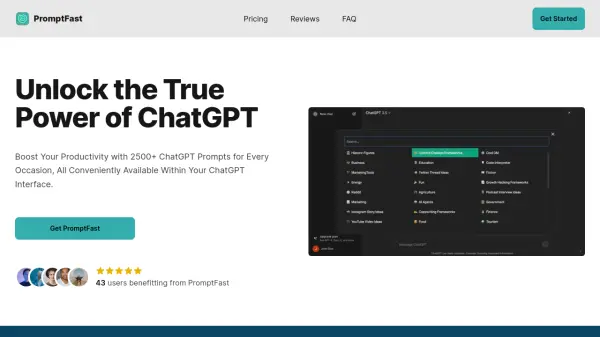
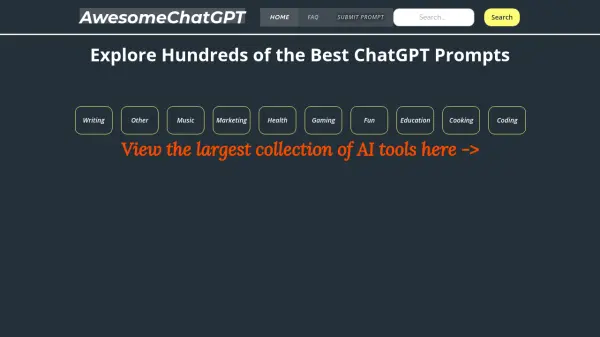
Prompt Journey provides a comprehensive library of more than 100 free, expertly-crafted prompts designed for use with ChatGPT. These prompts cover a wide range of industries and applications, helping users to maximize their potential and achieve optimal results.

The platform offers a manually reviewed prompt refinement process, ensuring precision and relevance. Advice provided by ChatGPT is rigorously reviewed by recognized experts.

Features

  • Diverse Prompt Library: 100+ expertly-crafted prompts across various industries.
  • Expert Review: Manual review of prompts to ensure precision and relevance.
  • Tailored Guidance: ChatGPT advice reviewed by well-known experts for specific needs.

Use Cases

  • Content creation with ChatGPT
  • Improving productivity across various tasks
  • Exploring diverse applications of AI prompts

Helpful for people in the following professions

Related Tools:

Blogs:

  • Best AI tools for Lawyers

    Best AI tools for Lawyers

    streamline legal processes, enhance research capabilities, and improve overall efficiency in the legal profession.

  • Best AI tools for Room Design

    Best AI tools for Room Design

    Discover cutting-edge AI tools that redefine the art of room design. From layout optimization to aesthetic finesse, these top-tier tools enhance your space to new heights.

  • Best AI tools for recruiters

    Best AI tools for recruiters

    These tools use advanced algorithms and machine learning to automate tasks such as resume screening, candidate matching, and predictive analytics. By analyzing vast amounts of data quickly and efficiently, AI tools help recruiters make data-driven decisions, save time, and identify the best candidates for open positions.

  • Top 6 AI note-taking tools for 2026: in-person, online, and hybrid use cases

    Top 6 AI note-taking tools for 2026: in-person, online, and hybrid use cases

    Most AI note-taking lists are really lists of meeting bots, which join your video call and transcribe it. That's useful, but it's half the picture. Decisions happen in hallway conversations, client dinners, on-site visits, and hybrid rooms where nobody is on a video link. This guide covers different parts of the note-taking workflow: hardware capture for in-person settings, platform-native tools for online calls, and AI layers for organizing and synthesizing what you've captured. It compares six tools by capture context, workflow fit, pricing, and limitations.

Didn't find tool you were looking for?

Be as detailed as possible for better results