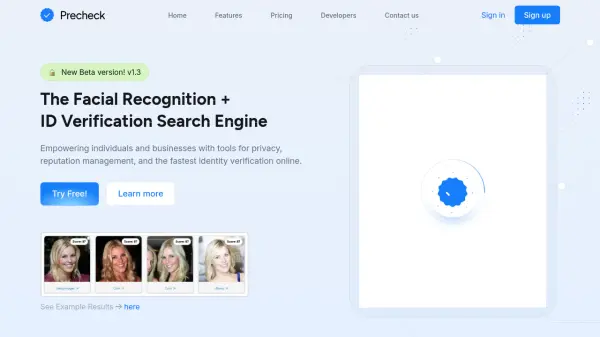
What is PreCheck?
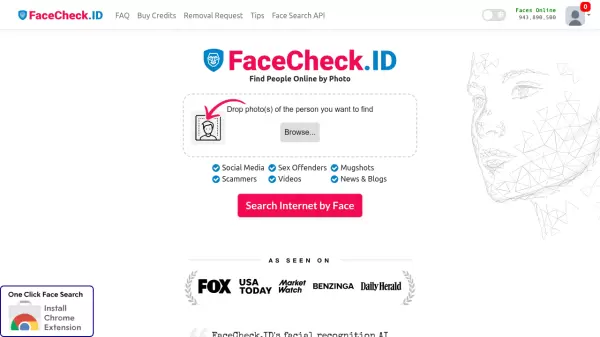
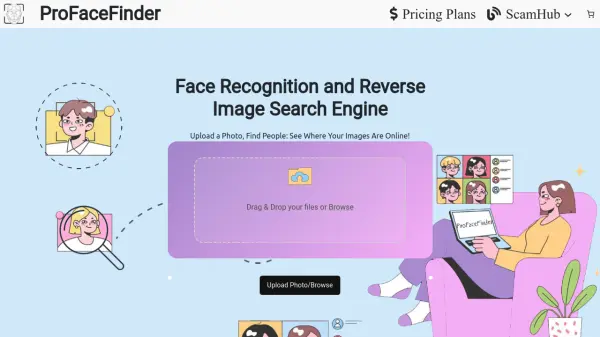
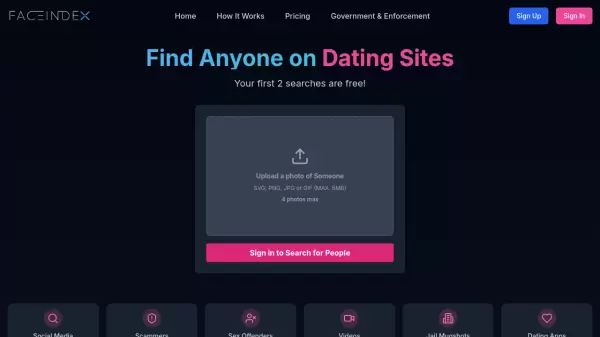
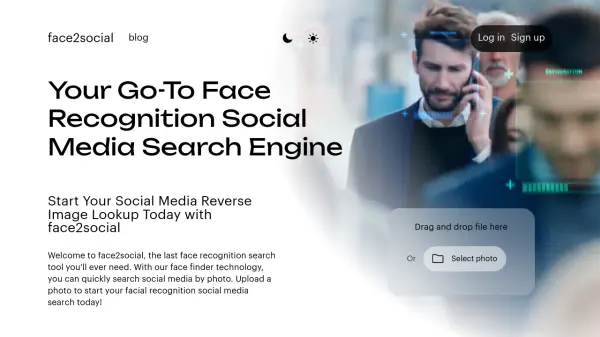
PreCheck is a search engine designed for facial recognition and ID verification. It empowers both individuals and businesses with tools to enhance privacy, manage online reputation, and conduct the fastest identity verification available online.
The platform allows users to track and identify where their photos appear on the internet, monitor their online presence, find unauthorized image uses, and locate lost or misplaced photos. PreCheck's technology aids in legal and investigative efforts, and also helps content creators protect their intellectual property.
Features
- Facial Image Search: Scanning millions of images from diverse internet sources to find matches.
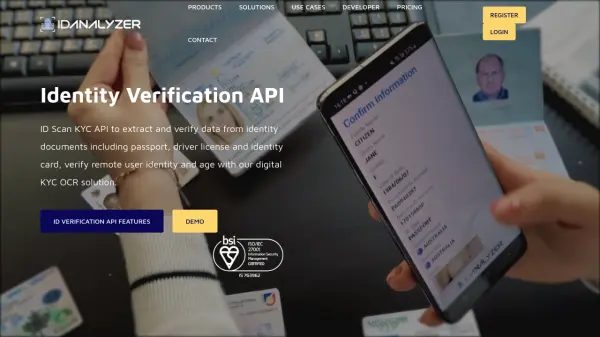
- ID/Passport Scan: Verify if an ID/passport matches any known online records.
- Filtering: Refine search results by criteria such as date or specific platforms.
- Remove: Request the removal of links and photos.
- Data Enrichment: Uncover valuable insights using facial recognition and online resources.
- Telegram Bot Integration: Access the tool and perform searches through a dedicated Telegram bot.
- Developer Friendly: Provides APIs for fast and efficient integration.
Use Cases
- Protecting personal privacy by tracking online image appearances.
- Monitoring and managing online reputation.
- Identifying and removing unauthorized image uses.
- Finding lost or misplaced photos.
- Assisting law enforcement and legal investigations.
- Helping content creators protect their work.
FAQs
-
How does Precheck work?
Precheck analyzes the photo you upload using advanced algorithms to search through a vast database of images and facial data across the internet. It identifies potential matches and provides links to websites where the image or similar ones appear, helping you trace its usage. -
Is Precheck free to use?
Precheck offers both free and premium plans. The free version allows you to perform basic image searches with limited features, while the premium plan unlocks additional tools for in-depth analysis and more frequent searches. -
What should I do if I find my image on an unauthorized website?
If your image is found on an unauthorized website, consider contacting the site owner or administrator to request its removal. If they do not respond or comply, you can file a copyright infringement complaint or seek legal assistance to protect your rights.