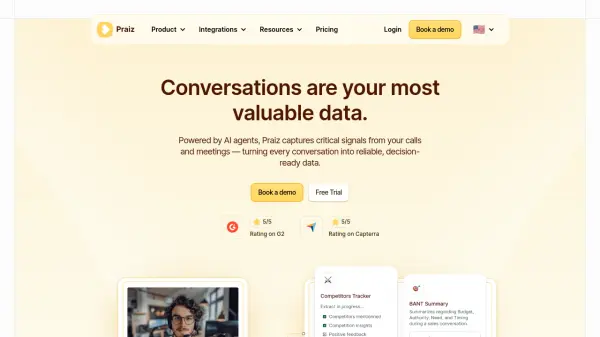
What is Praiz?
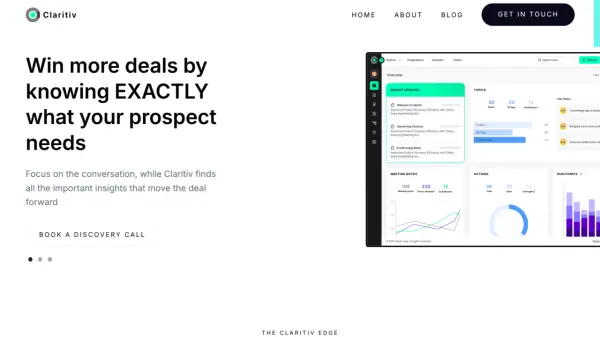
Praiz leverages artificial intelligence to analyze conversations from calls and meetings, converting unstructured discussions into structured business intelligence. The platform automatically detects critical signals such as competitor mentions, objections, and churn risks, providing full visibility across deals and accounts.
By generating notes, summaries, and follow-ups instantly, Praiz eliminates manual reporting and ensures CRM fields are updated automatically. It offers ready-to-use AI agents for specific tasks like deal qualification and pain point extraction, along with custom agent creation to meet unique business needs.
Features
- AI Agents Library: Ready-to-use agents to extract key data from every conversation
- Recording & Transcription: Best-in-class transcripts for calls & meetings in 100+ languages
- Custom AI Agents: Design your own AI agents, tailored to your processes and needs
- Insights: Turn conversations into insights you can explore and act on
- Automations: Receive digests, trigger alerts, and keep your CRM up to date
Use Cases
- Extracting key data from sales calls to improve deal qualification
- Automating CRM updates by transcribing and analyzing meeting conversations
- Detecting churn risks and competitor mentions in customer interactions
- Generating structured summaries and follow-ups from business discussions
- Creating custom AI agents for specific workflow needs in teams
FAQs
-
What CRM can I connect with Praiz?
Praiz seamlessly integrates with all major CRMs: Salesforce, HubSpot, Microsoft Dynamics 365 (Sales), Pipedrive, Zoho CRM and Close. Your are using another CRM? We can develop integrations with any other CRM or ATS upon request, do not hesitate to contact us or let's book a call to give us more details! -
Do you use our data to train AI models?
The answer is plain simple: no, we do not use our customers data to train LLM models, we never have and we will never do it. -
Do you offer Free Trial?
Yes, we can get you onboard for a free trial period, you will be able to try our powerful features and CRM integrations, let's get on a call to discuss the details! -
How safe is our data?
At Praiz, we use industry-standard cloud infrastructure along with extra safeguards to ensure your data remains completely private and secure at all time. See our Security Policy -
Do you offer customer support?
Yes, we are always available for you, you can contact us every by chat and email day during EMEA business hours, you can also find some help and documentation in our Help Center.