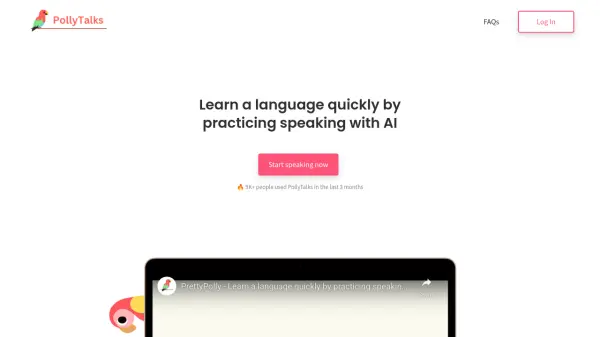
What is PollyTalks?
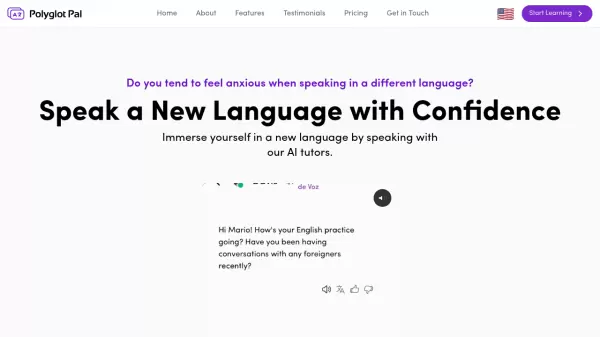
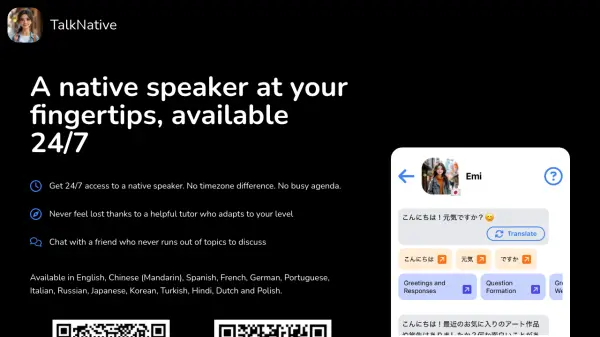
PollyTalks empowers users to learn new languages effectively by engaging in lifelike oral conversations with an AI partner. It eliminates the need for private tutors or online language partners, offering flexible, private practice at any time. The platform supports over 36 languages, catering to learners from complete beginners to advanced speakers with features like instant translation of clicked words and AI-generated conversation suggestions.
Users can create customized scenarios and alternate AI characters to keep practice fun and motivating. PollyTalks also offers optional pronunciation assessments and a unique fluency score after each conversation, helping users monitor their progress over time. With additional features like daily reminders and a comprehensive profile calendar, sustained engagement is encouraged for rapid improvement in speaking skills.
Features
- Realistic AI Conversations: Practice speaking in 36 different languages with an AI partner anytime.
- Custom Scenarios and Characters: Create tailored practice sessions with unique AI personas and objectives.
- Pronunciation Assessments: Receive optional feedback to enhance native-like pronunciation.
- Instant Word Translation: Click any word during conversations for immediate translation to your native language.
- AI Conversation Hints: Get AI-generated prompts when stuck to keep dialogue flowing.
- Fluency Score and Feedback: Obtain personalized feedback and objective fluency scoring for every conversation.
- Progress Tracking: Monitor learning consistency with daily reminders and a calendar view in the user profile.
Use Cases
- Practicing conversational skills before traveling to a foreign country.
- Accelerating language acquisition for school, exams, or certifications.
- Building confidence in spoken language for professional interviews or meetings.
- Maintaining language skills through daily practice sessions.
- Learning practical phrases and vocabulary for everyday use.
- Improving pronunciation and fluency without a human tutor.
- Supplementing language classes with private, flexible conversation practice.
FAQs
-
What languages can I practice with PollyTalks?
PollyTalks allows users to practice speaking in 36 different languages, including major world languages and multiple regional dialects. -
How does the fluency score work?
The fluency score is calculated based on the rate of speech and the number of unique words used during each conversation, providing an objective measure of progress. -
Is PollyTalks suitable for complete beginners?
Yes, PollyTalks features click-to-translate words and AI-generated hints to assist even complete beginners in starting conversations. -
How do I start using PollyTalks?
Register for a free account to access 7 free conversations, then select your target language and begin speaking with the AI partner. -
Does PollyTalks help improve pronunciation?
Yes, the platform offers optional pronunciation assessments that help users improve and sound more like native speakers.