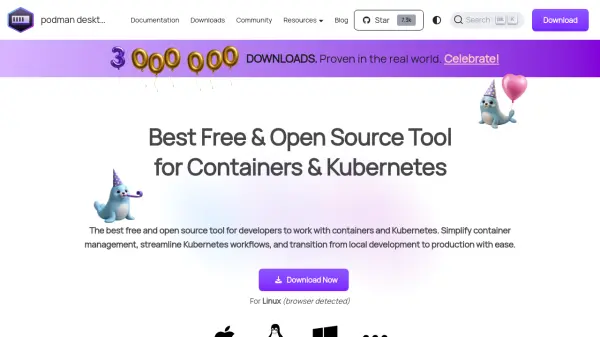
What is Podman Desktop?
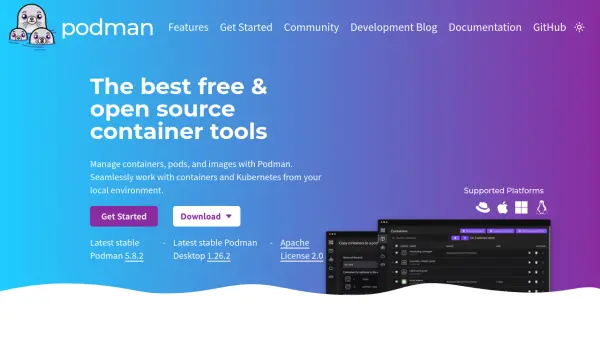
Podman Desktop provides a vendor-neutral platform designed to enhance developer productivity by integrating with popular container runtimes, registries, and developer tools. It offers an intuitive graphical interface for managing containers, enabling developers to focus on coding rather than manual configuration tasks. The tool supports industry-standard container technologies like OCI and Compose, ensuring compatibility with existing workflows without requiring extensive retooling.
Built with security as a core principle, Podman Desktop utilizes daemonless and rootless containers along with SELinux support and network policy enforcement. It features deep Kubernetes integration, allowing users to work with native Kubernetes support, spin up local clusters, and manage deployments through its graphical interface. Additional capabilities include GPU acceleration for AI development workflows, multi-architecture support, and extensibility through custom extensions.
Features
- Intuitive Graphical Interface: Simple and user-friendly interface for managing containers without complex scripting
- Containers with Security: Focus on daemonless, rootless containers with SELinux support and network policy enforcement
- Cross-Platform Support: Available on Linux, macOS, and Windows for consistent container management
- Built with Container Standards: Supports industry-standard technologies like OCI and Compose for workflow compatibility
- Crafted for Kubernetes: Deep integration with Kubernetes for managing pods, services, and deployments through graphical interface
- GPU Acceleration: Enables GPU acceleration for local AI development workflows with containers
- Multi-arch Support: Cross-platform multi-architecture support for building and running containers on ARM and x86_64
- Extensions: Extensible platform allowing developers to tailor capabilities through custom extensions
Use Cases
- Local container development and testing
- Kubernetes workflow management and deployment
- AI development with GPU-accelerated containers
- Cross-platform container management across different operating systems
- Enterprise container management with secure networking configurations
- Learning and adopting Kubernetes concepts through intuitive tools
- Troubleshooting container issues with direct access to logs and metrics
FAQs
-
Is Podman Desktop suitable for enterprise use?
Yes, Podman Desktop is enterprise-ready with extensive integrations including VPN and proxy support for secure networking configurations, streamlined image registry management, and options for air-gapped installations. -
How do I get involved in the project?
Podman Desktop is a community-driven project where users can contribute through GitHub, participate in discussions on Discord (#podman-desktop), or explore other communication channels listed on their website. -
Does Podman Desktop support Compose?
Yes, Podman Desktop supports industry-standard container technologies including Compose, ensuring compatibility with existing workflows without disrupting processes.