What is Plectica?
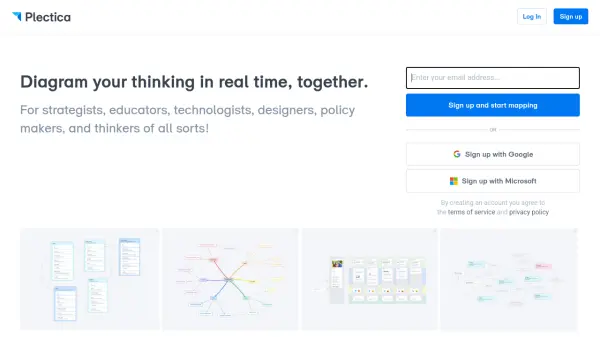
Plectica is a visual mapping platform designed for collaborative thinking and diagramming. It enables users to create various types of diagrams such as mind maps, database schemas, customer journey maps, and traffic flows in real time with team members. The tool is built for strategists, educators, technologists, designers, policy makers, and anyone who needs to organize complex information visually. Plectica offers a free Basic plan with up to 250 cards, and paid plans with unlimited cards, larger file attachments, long-term backups, and priority support.
Features
- Real-time collaboration: Multiple users can diagram together simultaneously.
- Unlimited cards: Paid plans offer unlimited cards for expansive mapping.
- Variety of diagram types: Supports mind maps, database schemas, customer journey maps, and traffic flows.
- File attachments: Attach files up to 250MB in paid plans.
- Long-term backups: Paid plans include automatic backups for data safety.
- Priority customer support: Pro and Team plans include priority support.
Use Cases
- Brainstorming and mind mapping for teams
- Designing database schemas and system architecture
- Mapping customer journeys and user experiences
- Visualizing traffic flows and processes
- Strategic planning and organizational mapping
- Educational diagrams and classroom collaboration
FAQs
-
What is a card in Plectica?
A card is the simplest container in Plectica, a building block that can hold varying types of information such as lists, media files, and links. -
Can I use Plectica for free?
Yes, Plectica offers a free Basic plan with up to 250 cards, map building, storing, and sharing, and file attachments up to 25MB. -
What are the paid plans?
Paid plans include Student ($4/month), Pro ($9/month), Team ($8/seat/month), and Organization (custom pricing). All paid plans offer unlimited cards and larger file attachments.