What is Playbook?
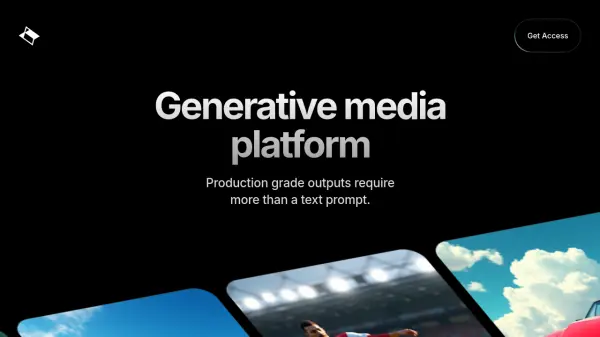
Playbook is a generative media platform designed to empower artists and streamline the creation process. It offers robust features, including multimodal support and comprehensive creative controls compatible with various media formats.
The platform facilitates collaborative editing and version control, allowing multiple users to work together effectively. Playbook also integrates ComfyUI, accessible directly from any browser, and supports IP and brand-specific models, ensuring consistency and control over the generated content.
Features
- Multimodal Support: Creative controls for all media formats.
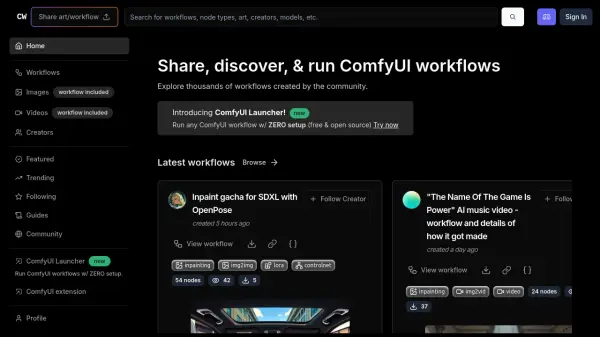
- ComfyUI in the Cloud: Access ComfyUI from any browser.
- Control & Consistency: Utilize IP & brand specific models.
- Collaborative Editing & Version Control: Multi-user collaboration features.
Use Cases
- Developing mission-critical media pipelines
- Creating brand-specific generative media
- Collaborative media projects
- Streamlining ComfyUI workflows
FAQs
-
What does Playbook offer?
A generative media platform that puts artists in the directors chair. -
Can I work with ComfyUI directly in Playbook?
Yes. -
Can I use my own ComfyUI workflows? Custom models?
Yes. -
Can I use my generated assets for commercial projects?
Yes.