What is PlanSo?
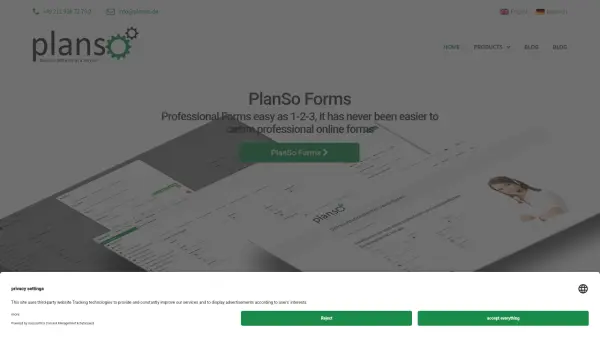
PlanSo provides AI-driven form-building tools designed to streamline the creation of professional online forms and lead capture teasers. The platform includes PlanSo Leads for generating high-converting lead capture elements and PlanSo Forms, available as a SaaS solution or WordPress plugin, enabling users to build forms efficiently with advanced features.
It supports integrations with tools like Zapier and Google Sheets, allowing seamless data storage and workflow automation. PlanSo emphasizes ease of use, making form creation accessible for businesses and individuals seeking to enhance their online engagement and data collection processes.
Features
- AI-Powered Form Builder: Utilizes artificial intelligence to streamline the creation of professional online forms and lead capture teasers
- Lead Capture Teasers: Generates high-converting lead capture elements to enhance engagement and data collection
- Integration Capabilities: Supports connections with Zapier and Google Sheets for automated data storage and workflow management
- WordPress Plugin: Offers a dedicated WordPress plugin for seamless integration with WordPress websites
- SaaS Solution: Provides a software-as-a-service option for flexible and scalable form-building needs
Use Cases
- Creating high-converting lead capture forms for marketing campaigns
- Building professional online forms for surveys, registrations, or contact pages
- Automating data storage from form submissions to Google Sheets or other apps
- Integrating forms with WordPress websites for enhanced functionality
- Streamlining workflow processes through Zapier integrations