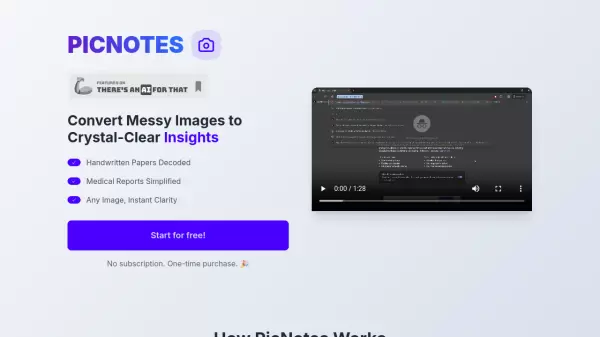
What is PicNotes?
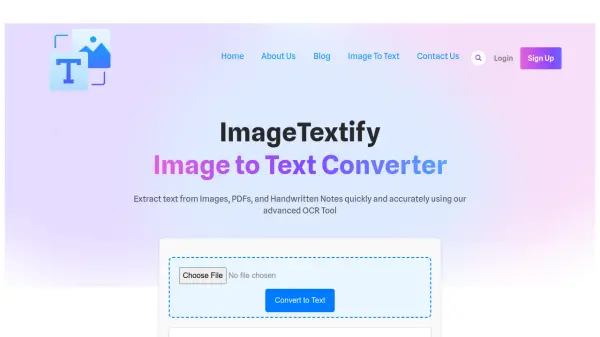
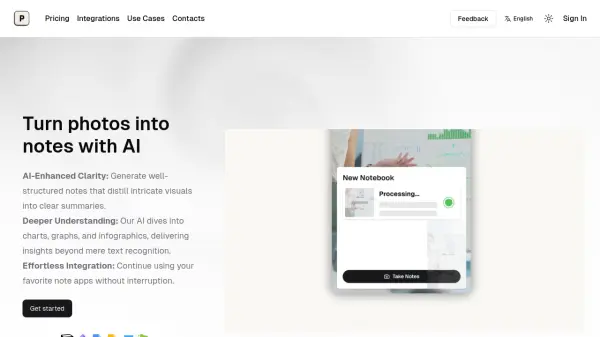
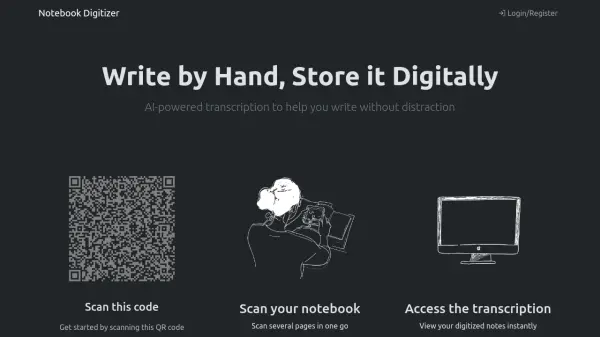
PicNotes stands at the forefront of image-to-text conversion technology, offering a sophisticated solution for transforming handwritten papers, medical reports, and various types of images into comprehensible digital content. The platform employs advanced AI technology to process and interpret different types of visual content, ensuring accuracy and clarity in the output.
What sets PicNotes apart is its versatile approach to image processing, accommodating everything from vintage photographs to contemporary handwritten documents. The service provides users with multiple output format options, including summaries, raw text, and detailed explanations, making it a valuable tool for both personal and professional use.
Features
- Multiple Format Options: Choose between summary, text, or detailed explanation outputs
- Handwriting Recognition: Processes various handwriting styles efficiently
- Vintage Photo Support: Capable of processing old photographs
- Quick Processing: Results delivered within seconds
- Medical Report Processing: Specialized in converting medical documentation
Use Cases
- Digitizing handwritten notes and documents
- Converting medical reports into readable text
- Processing vintage photographs and documents
- Converting handwritten papers for digital storage
- Extracting text from various image types
FAQs
-
Does PicNotes support old photographs?
Yes, PicNotes can process vintage photos effectively using its AI technology. -
Can it handle unique handwritings?
Yes, the AI has been trained on numerous handwriting styles and can process various types of handwriting effectively.