What is PhotoRepair.io?
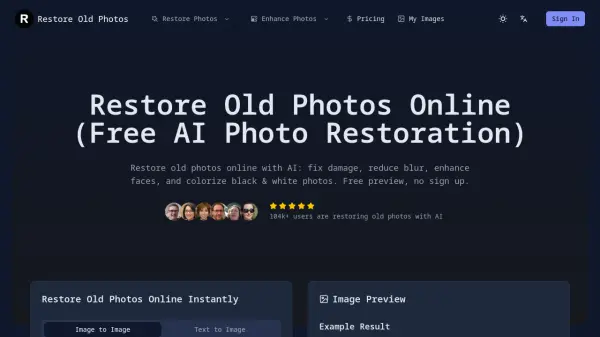
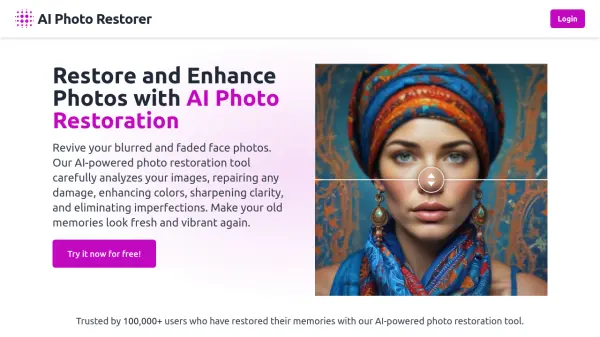
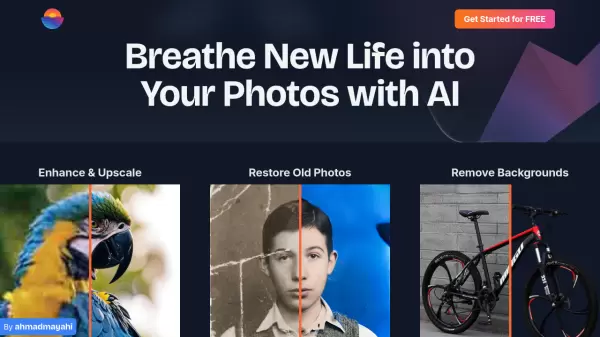
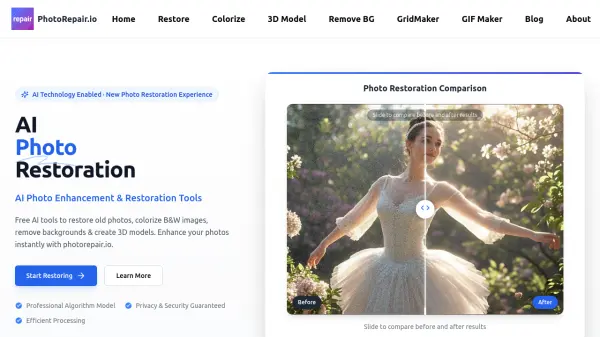
PhotoRepair.io utilizes Artificial Intelligence to provide a suite of online tools designed for photo enhancement and restoration. It specializes in reviving old, damaged, or blurry photographs, restoring them closer to their original quality. The platform employs professional AI algorithms to handle various forms of photo damage, including scratches, tears, stains, and fading.
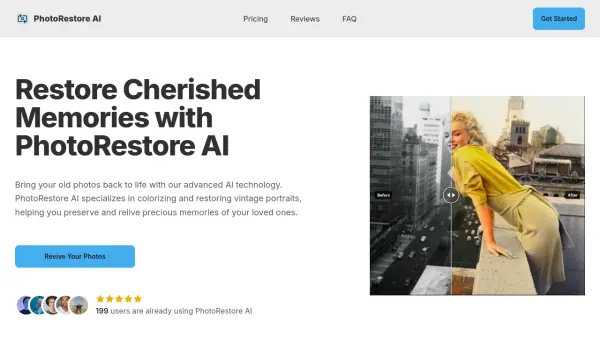
In addition to restoration, PhotoRepair.io offers capabilities for colorizing black and white images, adding natural-looking colors through advanced AI. Users can also transform standard 2D images into 3D models suitable for creative projects or product displays. Furthermore, the service includes a feature for precise background removal or replacement, enhancing the versatility of image editing options available through the platform. The process is designed for efficiency, delivering results quickly while ensuring user privacy and data security.
Features
- Photo Restoration: Restore old, damaged, or blurry photos to their original quality using AI technology.
- Photo Colorization: Add natural-looking color to black and white photos using advanced AI.
- Image to 3D Model: Transform 2D images into stunning 3D models for product showcases and creative designs.
- Background Removal: Remove or replace backgrounds from images with professional precision.
- Efficient Processing: Delivers restored photos typically within 15-30 seconds.
- Privacy & Security Guaranteed: Processes photos securely and automatically deletes them after processing.
Use Cases
- Restoring old family photographs.
- Repairing damaged historical images.
- Colorizing vintage black and white pictures.
- Creating 3D models from images for design projects.
- Removing backgrounds from product photos for e-commerce.
- Enhancing blurry or faded images for better clarity.
FAQs
-
What types of photo damage can PhotoRepair.io repair?
Our AI technology can repair a wide range of photo damage including scratches, tears, creases, stains, fading, discoloration, water damage, and even missing pieces. It's particularly effective at restoring old family photos and historical images. -
How long does the photo restoration process take?
Most photos are restored within 15-30 seconds after uploading. Processing time may vary slightly depending on the size of the image and the extent of damage, but you'll typically have your restored photo in less than a minute. -
Is my privacy protected when I upload photos?
Absolutely. We take privacy very seriously. Your photos are processed securely on our servers, are not shared with third parties, and are automatically deleted after processing. -
What file formats does PhotoRepair.io support?
We currently support JPEG, PNG, and WEBP formats for photo restoration. For best results, we recommend uploading the highest quality version of your photo that you have available. -
What content restrictions apply to uploaded photos?
We prohibit uploading any photos involving violence, pornography, terrorism, racial discrimination, or other illegal or inappropriate content. We reserve the right to refuse processing any photos that violate our terms of service.