Photog.art favicon

Photog.art
Real-Time Control, Instant Results.

What is Photog.art?

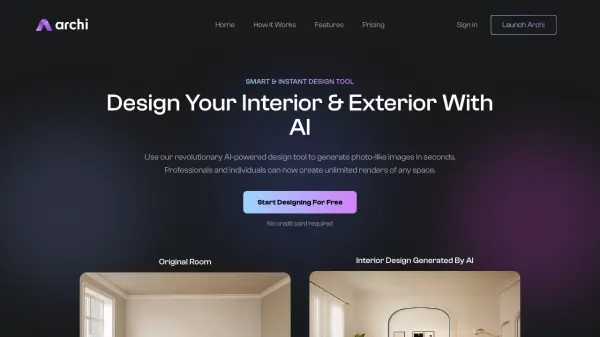
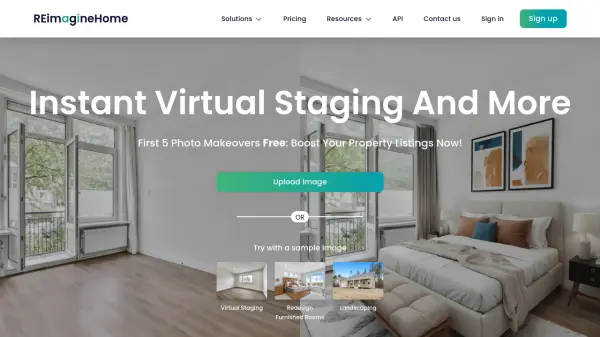
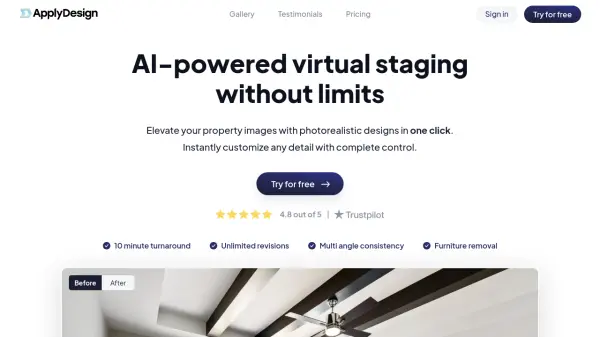
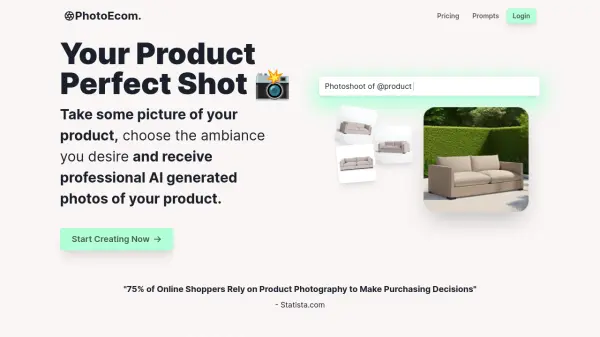
Photog.art is an AI-powered platform designed to empower individuals in designing their personalized spaces. Originating from AID Lab, the platform offers advanced features to seamlessly integrate objects into any scene, providing a high level of realism and accuracy in lighting and integration.

It allows for real-time visualization and adjustments. Photog.art offers different plans catering to various user needs, from individuals trying it out to large enterprises, making it accessible to a broad audience.

Features

  • Real-Time Control: Instantly turn ideas into reality with immediate visual feedback.
  • Accurate Scene Replication: Experience 100% accuracy in replicating scenes with advanced lighting, integration, and realism.
  • Personalized Customization: Place any item into any scene, choosing from a vast selection of goods and scene images.
  • Image Storage Forever: Images are Stored Forever.
  • No Watermark: Generated Images have No Watermark.

Use Cases

  • Homeowners visualizing home decor and improvement projects.
  • Online store owners showcasing products in realistic home settings.
  • Design professionals creating and adjusting design projects.
  • Individuals experimenting with different styles and scenes for their living spaces.
  • Manufacturers and retailers integrate any product.

Related Tools:

Blogs:

  • Best AI tools for Product Photography

    Best AI tools for Product Photography

    Explore top AI tools that can elevate your product photography, helping you enhance images, streamline workflows, and create professional visuals with ease.

  • Top 6 AI note-taking tools for 2026: in-person, online, and hybrid use cases

    Top 6 AI note-taking tools for 2026: in-person, online, and hybrid use cases

    Most AI note-taking lists are really lists of meeting bots, which join your video call and transcribe it. That's useful, but it's half the picture. Decisions happen in hallway conversations, client dinners, on-site visits, and hybrid rooms where nobody is on a video link. This guide covers different parts of the note-taking workflow: hardware capture for in-person settings, platform-native tools for online calls, and AI layers for organizing and synthesizing what you've captured. It compares six tools by capture context, workflow fit, pricing, and limitations.

  • Top AI tools for Students

    Top AI tools for Students

    These AI tools are designed to enhance the learning experience for students. From personalized study plans to intelligent tutoring systems.

Didn't find tool you were looking for?

Be as detailed as possible for better results