What is Photo Background Change?
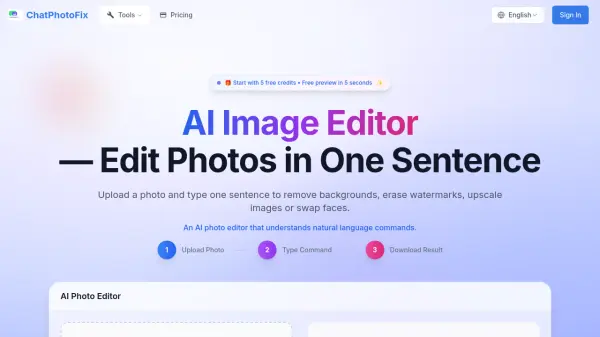
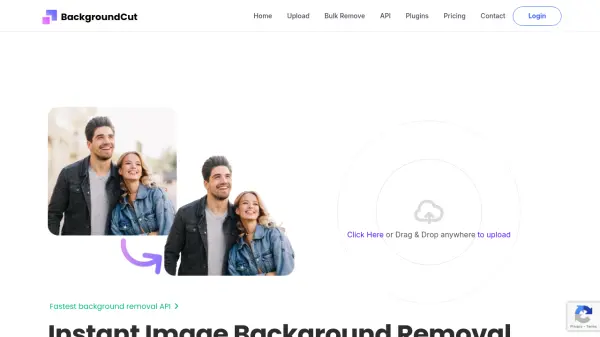
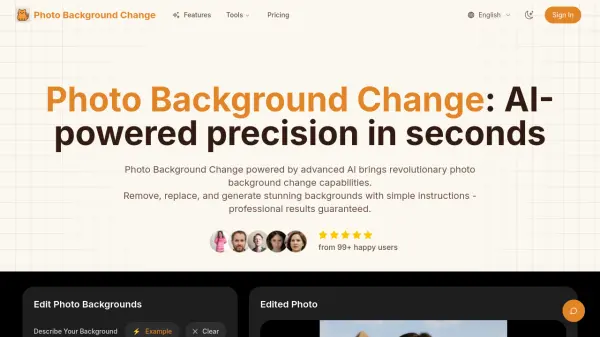
Photo Background Change leverages advanced AI technology inspired by FLUX Kontext to deliver precise, instruction-based photo editing. Users can remove, replace, and generate stunning backgrounds by simply describing what they want in natural language. The AI surgically edits specific parts of the image while leaving everything else untouched, ensuring professional-quality results. With pixel-perfect accuracy even for complex edges like hair and jewelry, and processing speeds up to 8x faster than traditional tools, this tool is designed for photographers, e-commerce sellers, and content creators who need quick, reliable background editing.
Beyond background changes, the platform offers smart background generation that matches the subject's lighting and perspective, AI photo enhancement for lighting and colors, and the ability to upload custom background images. Users can choose from over 600 professional templates or generate custom backgrounds via AI. The tool supports batch processing for high-volume tasks and delivers HD or 4K quality downloads.
Beyond background changes, the platform offers smart background generation that matches the subject's lighting and perspective, AI photo enhancement for lighting and colors, and the ability to upload custom background images. Users can choose from over 600 professional templates or generate custom backgrounds via AI. The tool supports batch processing for high-volume tasks and delivers HD or 4K quality downloads.
Features
- Instruction-Based Editing: Use natural language to describe background changes.
- Precision Background Removal: Automatically detects and removes backgrounds with pixel-perfect accuracy, handling complex edges like hair and jewelry.
- Lightning-Fast Processing: Generates professional background changes in under 3 seconds, up to 8x faster than traditional tools.
- Smart Background Generation: AI creates custom backgrounds that match subject lighting and perspective.
- AI Photo Enhancement: Automatically improves lighting, colors, and overall photo quality.
- Custom Background Upload: Upload your own background images and blend them seamlessly.
- Batch Processing: Edit multiple photos with consistent settings simultaneously.
- High-Quality Downloads: Export images in HD or 4K resolution in PNG or JPG formats.
Use Cases
- E-commerce product photography with consistent backgrounds
- Professional portrait editing with automatic background replacement
- Social media content creation with branded visuals
- Marketing design for brochures, ads, and presentations
- Real estate photo enhancement and background cleanup
FAQs
-
What is Photo Background Change?
Photo Background Change is an AI-powered photo background change tool that lets you remove, replace, and generate photo backgrounds with professional precision. Simply upload your photo and use natural language instructions to get the perfect result. -
How accurate is the AI background removal?
The AI delivers pixel-perfect accuracy, even with complex details like hair strands, jewelry, and transparent objects. The technology is based on advanced models that understand image context and edges. -
Can I use my own custom backgrounds?
Yes! You can upload your own background images, choose from our 600+ professional templates, or describe your ideal background using natural language for AI generation. -
What file formats are supported?
Photo Background Change supports JPG, JPEG, PNG, and HEIC formats for upload. You can download edited photos in PNG (with transparency) or JPG formats in HD or 4K quality. -
How fast is the background editing process?
Most operations are completed in under 3 seconds. The AI processes images up to 8x faster than traditional editing methods while maintaining professional quality.