What is PDF.co?
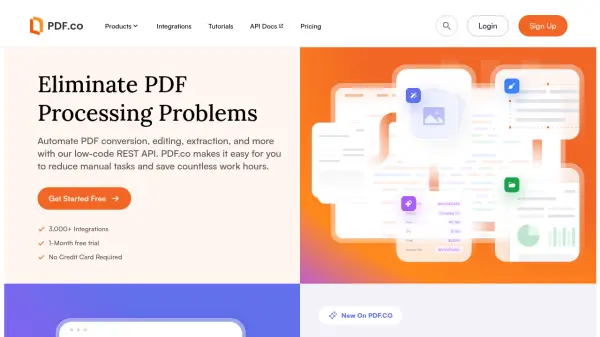
PDF.co provides a robust REST API designed to simplify and automate various PDF-related tasks for developers and businesses. It enables users to eliminate manual processing bottlenecks by offering tools for PDF conversion, editing, data extraction, and overall document management. The platform facilitates the conversion of PDFs into multiple formats such as Excel, CSV, XML, JSON, HTML, and images, enhancing data accessibility and usability.
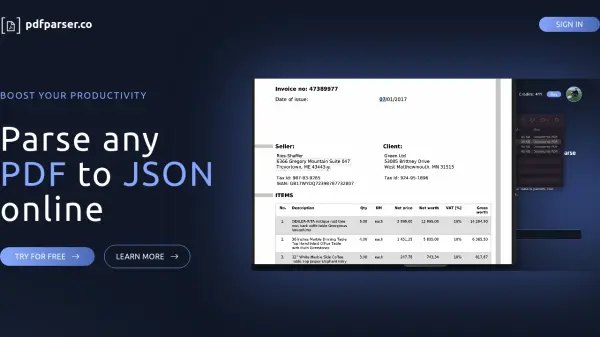
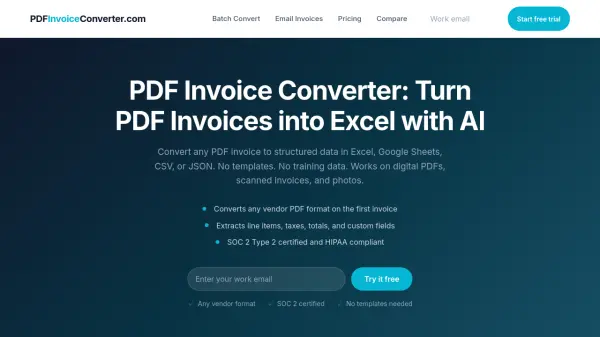
Beyond basic conversion and editing, PDF.co features advanced capabilities like automated data extraction from diverse document types, including scanned documents, invoices, purchase orders, and reports. A key highlight is its AI-powered invoice parsing feature, which extracts invoice data into structured JSON format without requiring predefined templates. Additionally, the platform includes a document classifier for automatic sorting and organization of PDF files based on custom rules, improving document handling efficiency. Integration is seamless with support for over 3,000 applications via platforms like Zapier and Make.
Features
- AI-Powered Invoice Parsing: Extract invoice data into JSON using AI without needing templates.
- PDF Conversion: Convert PDFs to formats like Excel, CSV, XML, JSON, HTML, and images.
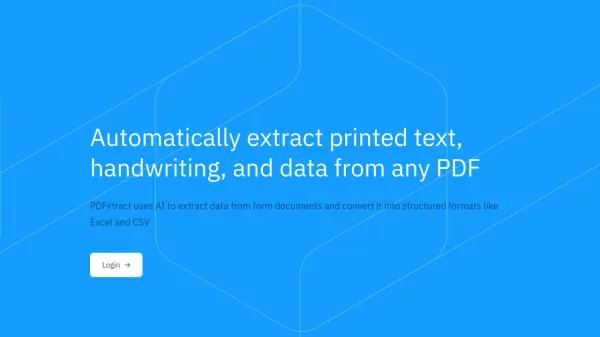
- Document Parsing: Automate data extraction from PDFs, scans, invoices, orders, and reports.
- Document Classifier: Automatically sort and organize PDF documents using custom rules.
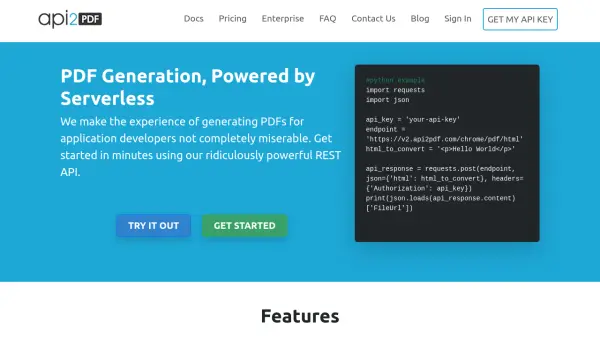
- REST API: Integrate PDF functionalities into applications via a secure, HTTPS-based API.
- PDF Editing: Modify existing PDF documents programmatically.
- Extensive Integrations: Connect with over 3,000 apps via Zapier and Make.
Use Cases
- Automating invoice data entry.
- Converting PDF reports into editable formats like Excel or CSV.
- Extracting specific data fields from large volumes of PDF documents.
- Integrating PDF generation or modification features into custom software.
- Automatically sorting and routing incoming PDF documents.
- Streamlining document workflows by connecting PDF tasks with other business applications.