PDF GPT favicon

PDF GPT
Read PDFs with AI

What is PDF GPT?

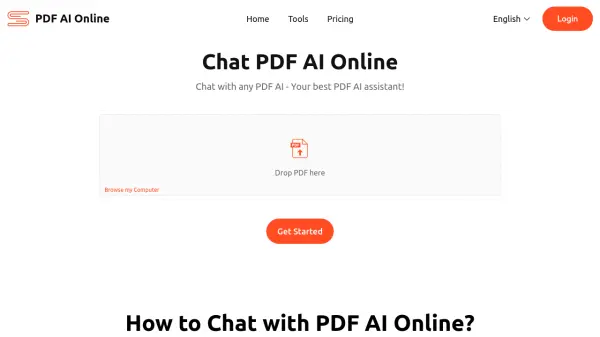
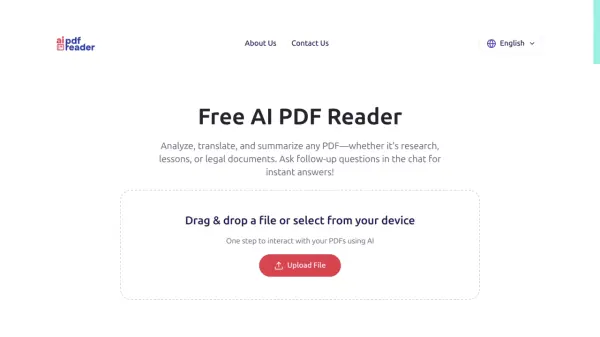
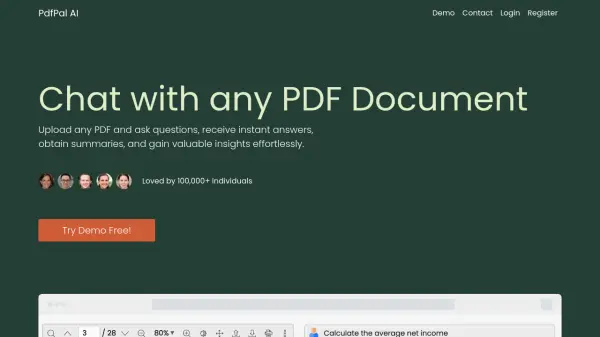
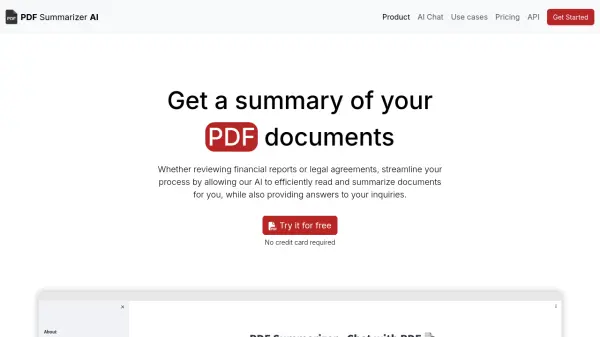
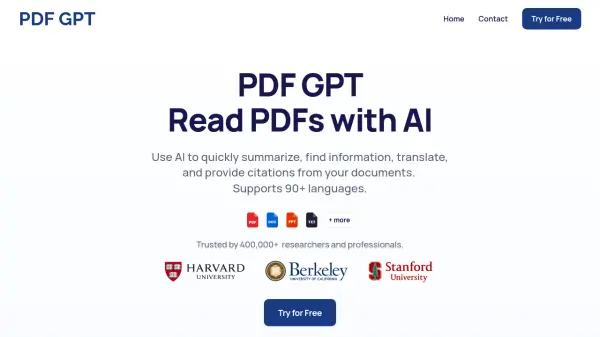
PDF GPT is a powerful tool designed to enhance your interaction with PDF documents. It leverages artificial intelligence to facilitate a range of functionalities, from summarizing lengthy files to providing detailed answers with specific page citations. The platform supports over 90 languages, making it a versatile resource for users worldwide.

With PDF GPT, users can upload multiple documents and perform searches across them, streamlining the information retrieval process. It also incorporates organizational capabilities, allowing users to tag documents for more efficient management and group chats based on those tags.

Features

  • Summarize PDFs: Save hours with instant summaries of lengthy PDFs.
  • Citations With Answers: Every answer comes with a clickable page reference.
  • Search Across PDFs: Upload multiple documents and search for specific information across all of them.
  • Tag & Organize: Tag your documents and chat with groups based on those tags.

Use Cases

  • Rapidly understanding the key points of long documents.
  • Quickly finding specific information within one or multiple PDFs.
  • Translating text within PDF documents.
  • Referencing specific sections of a PDF with accurate citations.

FAQs

  • How can I use this?
    You can use PDF GPT to search, summarize, and understand all of your PDFs. Ask questions, get citations, find information, and more in seconds.
  • Can I chat with multiple PDFs at the same time?
    Yes, you can upload multiple documents and search for specific information across all of them.
  • Does PDF GPT work in other languages?
    Yes, PDF GPT supports 90+ languages.

Related Queries

Helpful for people in the following professions

Related Tools:

Blogs:

  • Top 6 AI note-taking tools for 2026: in-person, online, and hybrid use cases

    Top 6 AI note-taking tools for 2026: in-person, online, and hybrid use cases

    Most AI note-taking lists are really lists of meeting bots, which join your video call and transcribe it. That's useful, but it's half the picture. Decisions happen in hallway conversations, client dinners, on-site visits, and hybrid rooms where nobody is on a video link. This guide covers different parts of the note-taking workflow: hardware capture for in-person settings, platform-native tools for online calls, and AI layers for organizing and synthesizing what you've captured. It compares six tools by capture context, workflow fit, pricing, and limitations.

  • Ghibli Art Generator AI tools

    Ghibli Art Generator AI tools

    List of the best AI tools to turn your photos into images that look like Studio Ghibli movies. Easy to use and fun for everyone.

  • Best AI tools for trip planning

    Best AI tools for trip planning

    These tools analyze user preferences, budget constraints, and destination details to provide personalized itineraries, suggest optimal routes, recommend accommodations, and even offer real-time updates on weather and local events.

  • Best AI tools for Room Design

    Best AI tools for Room Design

    Discover cutting-edge AI tools that redefine the art of room design. From layout optimization to aesthetic finesse, these top-tier tools enhance your space to new heights.

Didn't find tool you were looking for?

Be as detailed as possible for better results