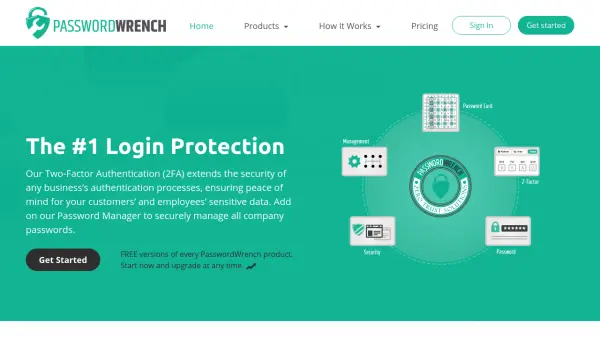
What is PasswordWrench?
PasswordWrench offers cutting-edge dual authentication (2FA) and password management for businesses of every size. Its unique 2-Factor Authentication Service allows businesses to offer 2FA to employees or customers without training, hardware requirements, or phone service. It works for everyone, regardless of device or technical expertise, and provides the highest level of security and replaceability. The Password Manager is the first that does not force users to compromise their passwords by never asking users to enter their password or recording it. This ensures that even if a hacker gains access through a master password, they still cannot steal passwords.
Features
- Two-Factor Authentication: No phone, no SMS, no devices required; works offline or online.
- Password Manager: Does not store or record user passwords; extra layer of security.
- Replaceable 2FA: Can be replaced anytime with no delay or costs.
- No Software Install: Online tool minimizes security risks.
- Secure Password Sharing: Share passwords among colleagues and teams.
- Compliance Audit Logs: Track password usage and access.
Use Cases
- Enterprise login security with two-factor authentication.
- Secure password management for business employees.
- Sharing passwords within teams securely.
- Compliance auditing for password access.
- Protecting against MITM attacks and phishing.
- Providing 2FA for customers without requiring mobile devices.
FAQs
-
How does PasswordWrench 2FA work without a phone?
PasswordWrench's 2FA is a unique solution that does not require a phone, SMS, or any device. It works offline or online, providing a secure authentication method that is easy to use. -
How is the password manager secure if the master password is compromised?
PasswordWrench never records or stores your passwords. Even if a hacker gains access to your master password, they cannot steal your passwords because the system does not have them. -
Can I share passwords with my team?
Yes, PasswordWrench allows you to securely share passwords among colleagues and teams. -
Is there a free version available?
Yes, PasswordWrench offers free versions of every product. You can start with the free version and upgrade at any time. -
Does PasswordWrench 2FA require any installation?
No, it is an online tool with no downloads required, minimizing security risks.