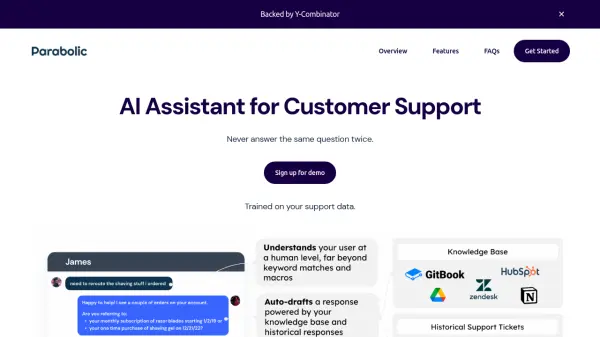
What is Parabolic?
Parabolic is designed to enhance customer support operations by automating responses and streamlining workflows. The system integrates directly with existing ticketing software like Intercom, Zendesk and Helpscout. It leverages AI trained on historical support data to provide accurate and contextually relevant auto-responses.
The AI identifies and indexes the answer from historical information, enabling it to provide the best response. It helps in automatically categorizing incoming questions.
Features
- Embedded: Integrated within existing ticketing software (Intercom, Zendesk, Helpscout, etc).
- Human-in-the-loop: Agents can verify responses before sending, allowing for continuous improvement.
- Answers your RAQs: Suggests responses even with only one match in past conversations or knowledge base.
- Multistep: Handles multiple back-and-forths in a conversation.
- Upsell mode: Appends relevant upsells/cross-sells based on customer needs.
- Auto-categorize: Automatically tags and triages incoming questions.
Use Cases
- Automating responses to frequently asked questions.
- Improving customer support agent efficiency.
- Reducing customer wait times.
- Upselling and cross-selling relevant products or services.
- Triaging and categorizing incoming support requests.
FAQs
-
How does pricing work for Parabolic?
It's free to install and get started. To train your dedicated AI model, Parabolic works directly with each customer to determine pricing, which is based on factors such as the volume of tickets Parabolic successfully automates. There will be no charge until a shared agreement on pricing is reached.