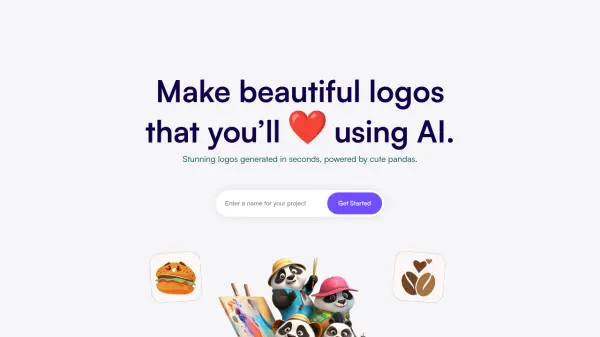
What is PandasMake?
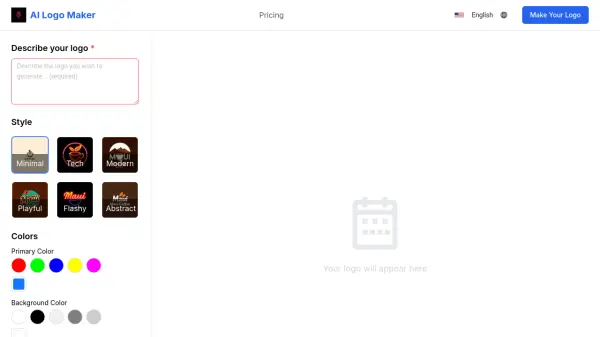
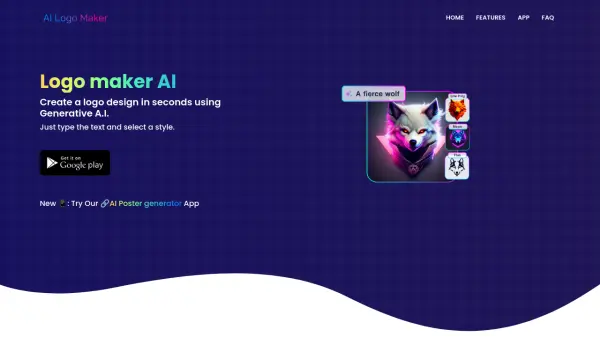
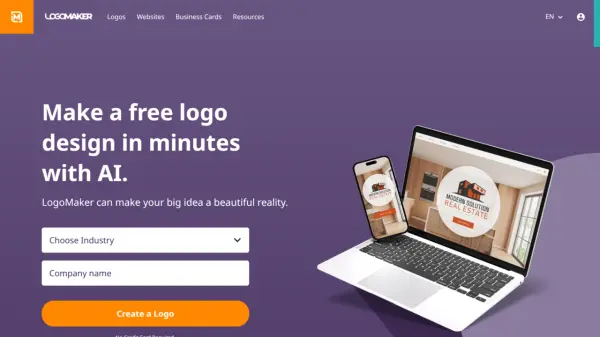
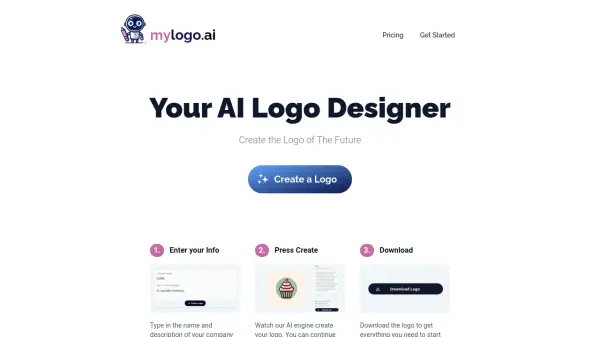
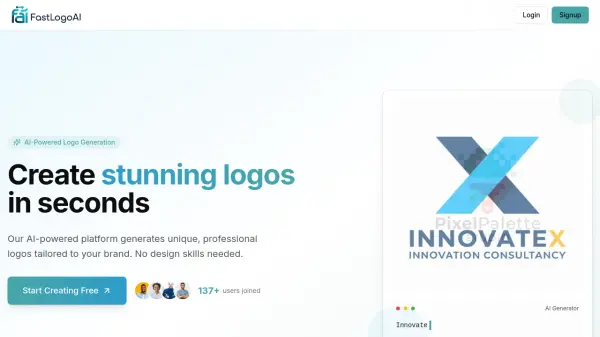
PandasMake revolutionizes the logo creation process by leveraging artificial intelligence to generate beautiful, professional logos in seconds. The platform offers a streamlined three-step process that takes users from concept to completion, allowing them to describe their requirements and receive multiple customized logo options.
The service combines AI technology with user-friendly customization tools, enabling businesses and individuals to create unique logos that perfectly match their brand identity. Each generated logo comes with full usage rights, making it suitable for websites, packaging, business cards, and various marketing materials.
Features
- Instant Generation: Creates multiple logo options in seconds
- Full Customization: Ability to modify and adjust generated logos
- Usage Rights: Complete ownership and usage rights for all purposes
- Multiple Options: Generates more than 20 logo variations
- Quick Process: Three-step simple logo creation workflow
Use Cases
- Creating logos for new businesses
- Developing brand identities for startups
- Designing logos for small businesses
- Creating logos for personal brands
- Generating logos for marketing materials
FAQs
-
How long does it take to create a logo?
The platform generates logos in seconds through a simple three-step process.