

What is LogoMaker?
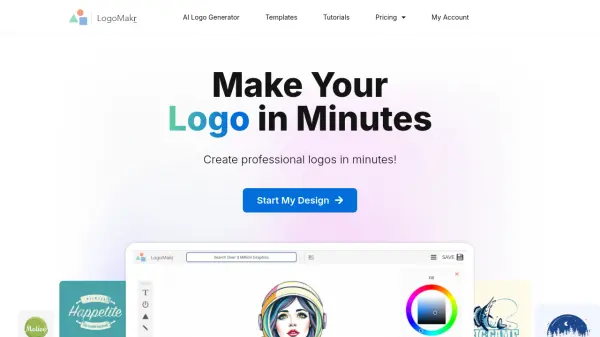
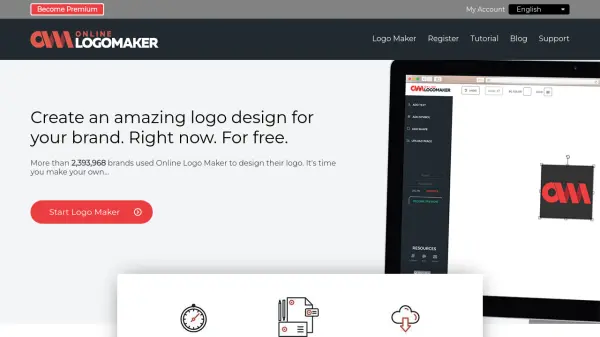
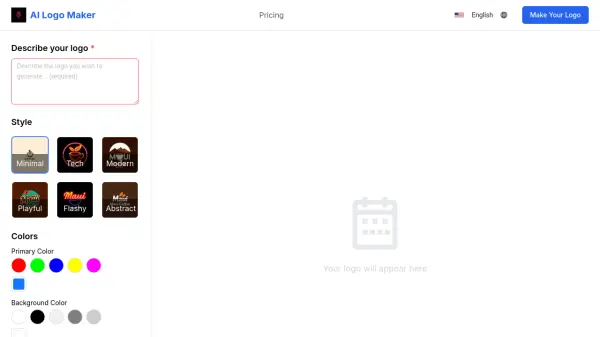
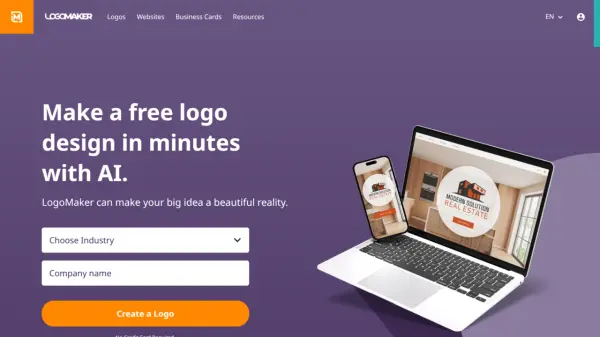
LogoMaker empowers businesses and individuals to create professional logo designs quickly and easily. Leveraging the power of AI, the platform guides users through a streamlined process, generating a wide variety of logo options based on entered company information and design preferences.
Users can browse thousands of personalized, AI-generated logo designs, and then further refine their chosen design by customizing colors, fonts, layouts, and more with the online editor. Downloadable in multiple formats, the logos are ready for use across different marketing and branding materials including websites, social media and custom printed products.
Features
- AI-Powered Logo Generation: Creates professional logo designs based on your industry and preferences.
- Extensive Logo Library: Browse thousands of personalized and AI-generated logo designs.
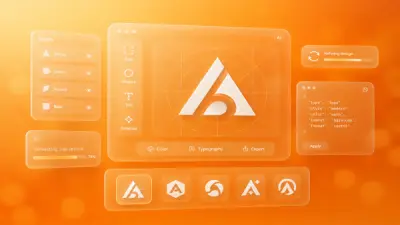
- Online Logo Editor: Customize colors, fonts, layout, and more to perfect your logo design.
- Multiple File Formats: Download your logo in various formats (PDF, PNG, JPEG, Vector) for versatile use.
- Free to Use: Design your logo without any initial cost. Only pay when you're ready to download.
- Branding Solutions: Create a consistent brand look. Use your logo to create and buy business cards, apparel, and promotional items.
- Website building: Get Your Business Online, LogoMaker offers affordable solutions to get your business online, with website building and domain services.
Use Cases
- Creating a logo for a new business or startup
- Redesigning an existing logo for a brand refresh
- Developing a logo for an event or organization
- Designing a logo for personal branding
- Creating marketing materials like business cards and promotional products.
FAQs
-
How to make a logo transparent?
LogoMaker packages include PNG files that feature transparent backgrounds. Any design created will include versions with transparent backgrounds. -
What file types and sizes can I download my logo in?
Every LogoMaker package includes PDF, PNG, JPEG, Vector files, large and small formats, transparent backgrounds, and black and white versions. -
Can I add any text or slogan to my logo on Logo Maker?
Yes, you can add a company slogan or tagline and any other text you would like to be featured in your logo. You can also customize the font, placement, and appearance of any text. -
How much does a logo cost?
Designs can be purchased as high-quality logo files. We have options starting at $2.99 a month.