What is PaletteMaker?
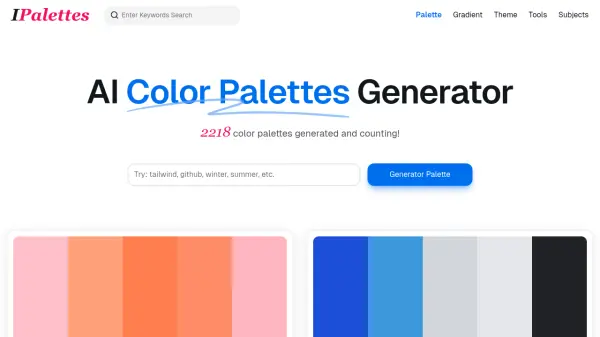
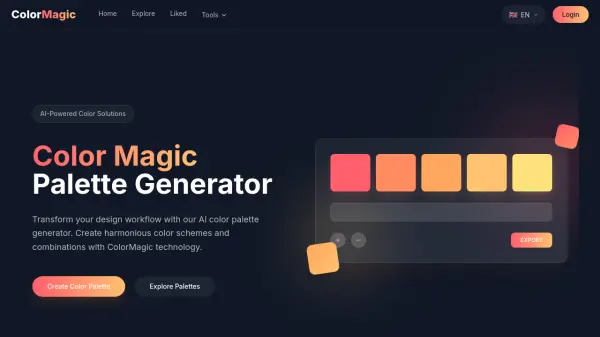
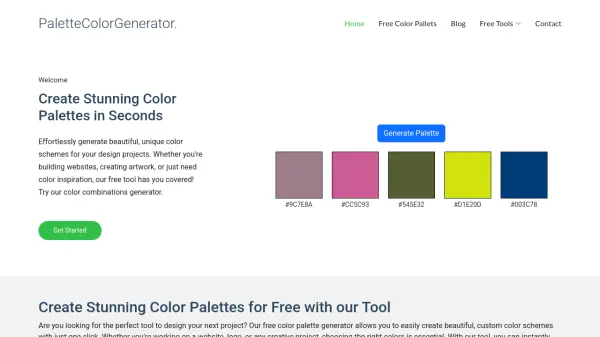
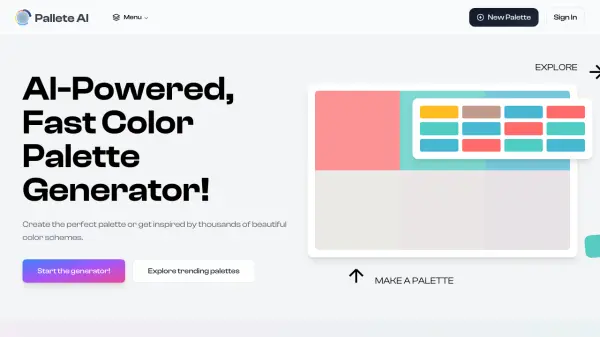
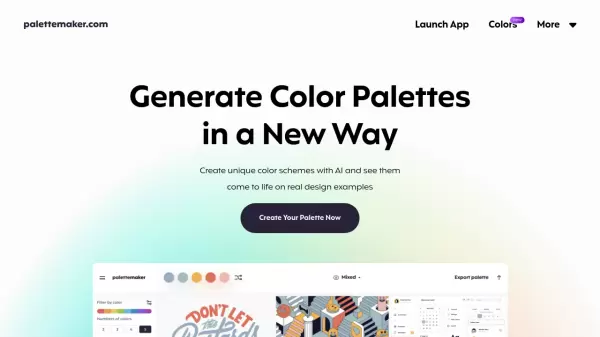
PaletteMaker is an innovative color palette generation tool designed for both creative professionals and color enthusiasts. The platform enables users to create unique color schemes and immediately visualize them through pre-made design examples, spanning across multiple creative disciplines including logo design, UI/UX, patterns, and poster creation.
The tool combines artificial intelligence with practical design applications, allowing users to test color behavior in various design scenarios. Its intuitive interface supports the creation of 2-5 color palettes, with powerful export capabilities supporting multiple formats including Procreate, Adobe ASE, Image, and Code formats.
Features
- AI Color Generation: Generate palettes with different color tones and number combinations
- Real-time Preview: Test colors on various design examples instantly
- Multiple Export Formats: Support for Procreate, Adobe ASE, Image, and Code exports
- Flexible Palette Size: Create palettes with 2-5 colors
- Design Field Testing: View palettes in different creative applications
- Color Customization: Edit individual colors and randomize palettes
- Intuitive Interface: Simple and user-friendly design for all skill levels
Use Cases
- Logo Design Color Selection
- UI/UX Design Color Schemes
- Pattern Design Color Combinations
- Poster Design Color Palettes
- Brand Identity Color Development
- Digital Art Color Planning
- Web Design Color Schemes
FAQs
-
Is it suitable for non-designers?
Yes, PaletteMaker was specifically crafted so both designers and non-designers can have fun using it. -
How come your color palettes never have black and white color?
When creating color palettes, black and white are not typically considered colors in graphic design. This is because they often serve as the background or text color on websites, or as elements surrounding the design.