What is Paddee?
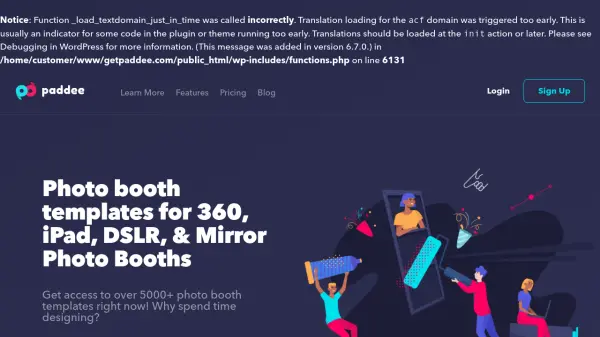
Paddee is an AI-powered platform that offers a comprehensive library of photo booth templates and custom design services. It provides access to over 5000+ templates compatible with various photo booth types, including 360, iPad, DSLR, and mirror booths. Users can edit templates directly from their browser, streamlining the design process for events and businesses.
The platform functions as a virtual design team, handling all design work to save users time and effort. It includes features such as welcome screens and social media designs, with a focus on ease of use and professional results. Paddee aims to simplify photo booth setup and customization through its extensive template collection and editing tools.
Features
- Template Library: Access to over 5000+ photo booth templates for various booth types
- Custom Designs: Unlimited custom designs created by professional designers
- Browser-Based Editing: Edit templates directly from your web browser without additional software
- Multi-Format Support: Templates compatible with 360, iPad, DSLR, and mirror photo booths
- Design Services: Includes welcome screens and social media designs as part of the offering
Use Cases
- Event planning for weddings and parties
- Business promotions using photo booths
- Social media marketing campaigns
- Photo booth rental services
- Custom event branding and design