What is Optify?
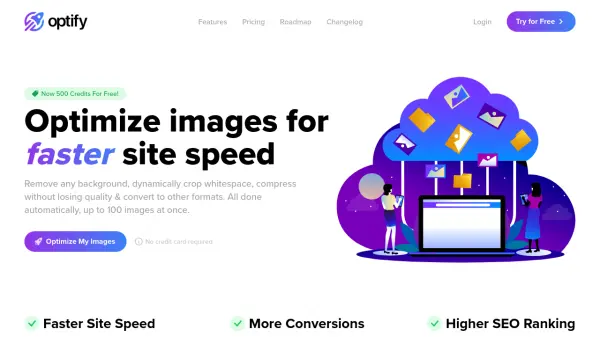
Optify provides a suite of tools designed to enhance website performance through automated image optimization. It helps users achieve faster site speeds, which can lead to increased conversions and improved search engine rankings. The platform focuses on reducing image file sizes, a common factor in slow page loading times.
Key functionalities include background removal to create transparent images, dynamic whitespace cropping to make subjects appear larger, and advanced compression algorithms that significantly reduce file size without visible quality loss (up to 98% reduction). Optify also facilitates conversion to modern formats like WebP, recommended by Google for superior compression compared to JPEG and PNG. Users can process up to 100 images simultaneously, streamlining the optimization workflow for bulk uploads.
Features
- Background Removal (Clipping): Automatically removes image backgrounds to create transparent images, recommending conversion to WebP or PNG for transparency support.
- Dynamic Whitespace Cropping: Intelligently crops images to the nearest pixel differing from the background, removing excess whitespace and enlarging the main object.
- Lossless Compression: Utilizes modern compression algorithms to reduce image file sizes by up to 98% without affecting visible quality.
- Format Conversion: Converts images to WebP, PNG, or JPEG formats, with WebP recommended for better compression.
- Batch Processing: Allows users to upload and apply optimizations to up to 100 images simultaneously, with options to download results as a ZIP file.
Use Cases
- Improving website loading speed by reducing image file sizes.
- Enhancing e-commerce product photos by removing backgrounds and cropping.
- Boosting SEO rankings through faster page load times.
- Preparing images for web use by converting them to efficient formats like WebP.
- Streamlining image optimization workflows with batch processing.