What is ImageOptimizer.ai?
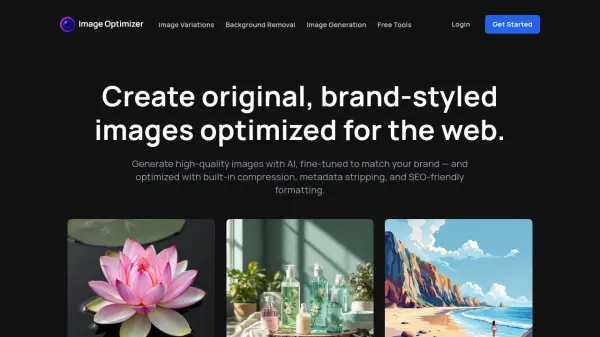
ImageOptimizer.ai uses advanced AI technology to help users create high-quality, original images that match brand guidelines and are fully optimized for web use. Whether generating images from text prompts or reference images, this tool automates the process of compressing files, stripping metadata, resizing, renaming, and converting formats for SEO and performance.
Users can also leverage AI-generated image variations for content diversity, all with automated optimization ensuring web-ready results. Additionally, a suite of free tools allows anyone to quickly optimize, rename, compress, adjust, resize, and convert images, making it a comprehensive solution for digital content creators and businesses focused on online performance.
Features
- AI Image Generation: Create original and branded images from text prompts or combined with reference images.
- Image Variations: Generate unique variations of an uploaded image using AI in matching styles.
- Automated Optimization: Strip metadata, compress files, adjust DPI, and rename files with SEO-friendly patterns.
- Batch Processing: Process multiple images quickly and efficiently.
- Format Conversion: Convert images to JPEG, PNG, WebP, and more for diverse platform support.
- Free Image Tools: Access free utilities for compression, renaming, resizing, and format conversions.
- SEO-Friendly Workflow: Integrated steps to optimize images for faster loading and better search rankings.
Use Cases
- Generate branded marketing assets for web and social media.
- Create multiple product image variations for e-commerce listings.
- Automate optimization of large image collections for website performance.
- Remove metadata and compress photos for faster site speeds and privacy.
- Rename and format images to improve search engine indexing.
- Quickly convert design assets for use across web and digital campaigns.
FAQs
-
How does image optimization help with SEO?
Optimizing images through compression, renaming, and metadata removal improves website speed and search engine rankings by making images load faster and more relevant for search queries. -
Can I compress images with ImageOptimizer.ai?
Yes, you can use the platform to compress image files while maintaining visual quality, making them ideal for faster web performance. -
Does ImageOptimizer.ai support image resizing?
Yes, the tool enables you to resize images to exact pixel dimensions while preserving aspect ratio to suit various web requirements. -
Can I generate images using AI?
Yes, you can generate original images by entering a text prompt, uploading a reference image, or combining both, using advanced AI algorithms. -
What is the 'Image Variation' feature?
The 'Image Variation' feature allows users to upload an image and automatically generate new images in similar style and format, useful for creating diverse content assets.