What is OpenAI Pricing Calculator?
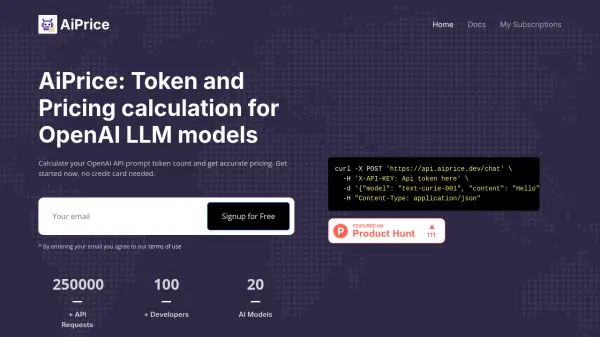
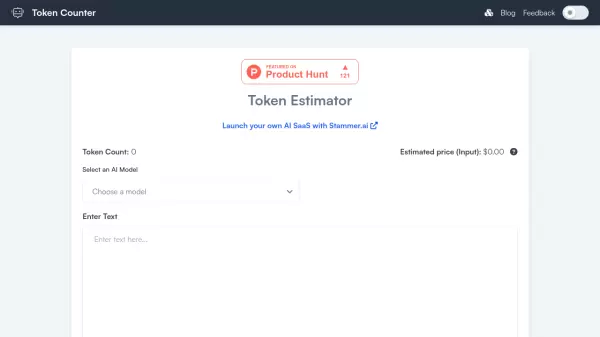
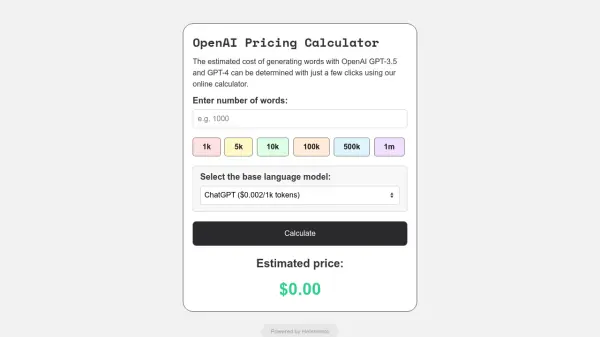
OpenAI Pricing Calculator is an online tool designed to estimate the costs associated with using OpenAI's powerful language models, including GPT-3.5 and GPT-4. Users can quickly determine the potential expenses for their natural language processing (NLP) projects by inputting the desired word count and selecting the specific base language model.
The calculator simplifies budget planning for various applications such as chatbots, language translation, or sentiment analysis. It allows users to choose from a list of popular models like ChatGPT, Curie, Babbage, Davinci, GPT-4 (8K and 32K variants), and Ada, each with different price points. By providing instant cost estimations based on the model's per-token pricing, the tool helps users select the most suitable and cost-effective option for their specific requirements.
The calculator simplifies budget planning for various applications such as chatbots, language translation, or sentiment analysis. It allows users to choose from a list of popular models like ChatGPT, Curie, Babbage, Davinci, GPT-4 (8K and 32K variants), and Ada, each with different price points. By providing instant cost estimations based on the model's per-token pricing, the tool helps users select the most suitable and cost-effective option for their specific requirements.
Features
- Cost Estimation: Calculates the estimated price for using specific OpenAI language models.
- Model Selection: Supports various models including ChatGPT, Curie, Babbage, Davinci, GPT-4 8K, GPT-4 32K, and Ada.
- Word Count Input: Allows users to specify the number of words for processing (e.g., 1k, 5k, 10k, 100k, 500k, 1m).
- Instant Results: Provides immediate cost estimates based on user inputs.
- Budget Planning Aid: Helps users plan budgets for NLP projects.
Use Cases
- Estimating costs for chatbot development.
- Budgeting for language translation projects using OpenAI models.
- Calculating expenses for sentiment analysis tasks.
- Planning resource allocation for large-scale content generation.
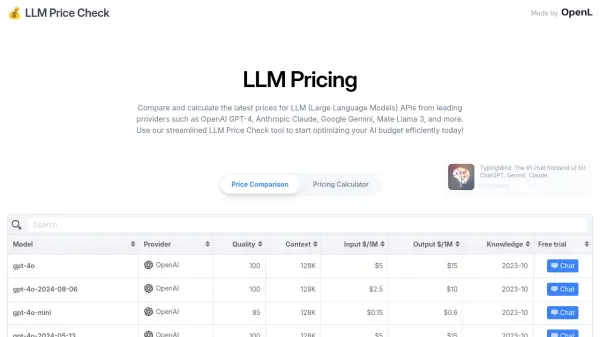
- Comparing the cost-effectiveness of different OpenAI models.
FAQs
-
Which OpenAI models does the calculator support?
The calculator supports ChatGPT ($0.002/1k tokens), Curie ($0.002/1k tokens), Babbage ($0.005/1k tokens), Davinci ($0.02/1k tokens), GPT-4 8K ($0.06/1k tokens), GPT-4 32K ($0.12/1k tokens), and Ada ($0.0004/1k tokens). -
How does the calculator estimate the price?
It uses the selected model's per-token pricing and the input number of words to estimate the total cost. Note that OpenAI prices based on tokens, and the relationship between words and tokens can vary. -
Is the OpenAI Pricing Calculator free to use?
Yes, the calculator tool itself is free to use for estimating OpenAI usage costs.