What is OnCloudERP?
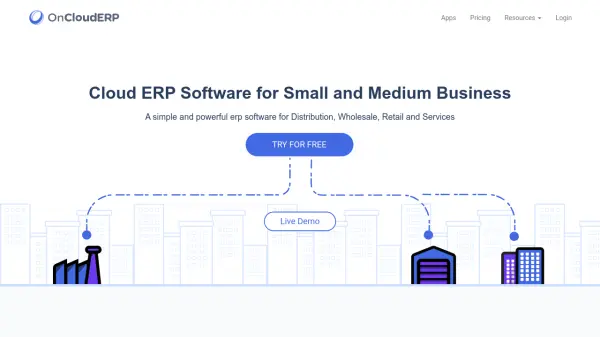
OnCloudERP provides a comprehensive cloud-based Enterprise Resource Planning (ERP) solution tailored for small and medium-sized businesses in distribution, wholesale, retail, and service industries. It enables organizations to manage and synchronize all their business processes through a single platform, eliminating the need for complex installations or dedicated server infrastructure.
The software is designed for easy implementation without requiring technical expertise, offering a user-friendly interface with quick navigations. It supports multicultural information including accounting standards, time zones, currencies, and languages, making it suitable for multi-regional operations. OnCloudERP is accessible from both desktop and mobile devices, allowing business owners to control their operations from anywhere with a secured cloud environment.
Features
- Self-Implementation: Set up without technical know-how or online support required
- Single Platform: One platform to synchronize all business processes
- Secured Cloud: Integrated and hosted on a secured cloud environment
- Easy Navigation: Provides awesome user experience with quick navigations
- Multi-Regional Support: Supports multicultural information like accounting, time, currency and language
- Cross-Device Access: Works across devices allowing access from anywhere
Use Cases
- Managing distribution business operations
- Streamlining wholesale business processes
- Optimizing retail business management
- Coordinating service business activities
- Synchronizing multi-branch organizational operations
- Implementing ERP without technical expertise