What is OmniTalker AI?
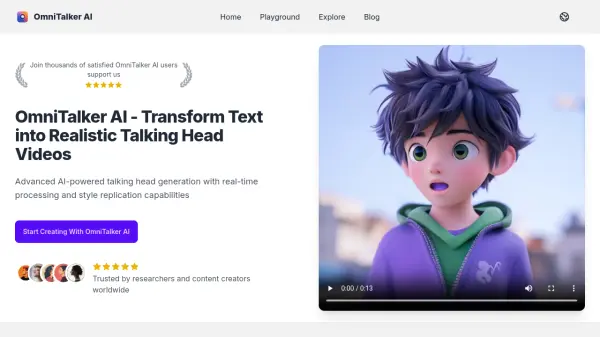
OmniTalker AI empowers users to transform written text into realistic talking head videos, leveraging advanced AI solutions that offer real-time video generation and consistent style replication. The platform applies cutting-edge neural network algorithms to analyze text input and synthesize videos complete with natural speech, accurate lip syncing, and expressive facial movements.
Designed for ease of use, OmniTalker AI delivers a user-friendly workflow from text input through to high-quality video output. With flexible integration options, support for a range of output formats and resolutions up to 4K, and robust data privacy protocols, it serves content creators, researchers, and enterprises seeking scalable, professional-grade video generation.
Features
- Real-Time Generation: Instant creation of talking head videos from text
- Style Replication: Maintains consistent audio-visual style throughout content
- User-Friendly Interface: Simple conversion process from text to video
- Advanced Technology: Utilizes state-of-the-art machine learning algorithms
- Multiple Output Formats: Supports MP4 and WebM in resolutions up to 4K
- Flexible Integration: Can be accessed via web interface or API
- Data Privacy: All processed content is encrypted and securely handled
- Continuous Updates: Regular model and system improvements
- Commercial Licensing: Enterprise plans allow for commercial use
Use Cases
- Creating educational or training videos with talking head presentations
- Generating personalized video content for social media marketing
- Producing explainer or tutorial videos for business and product showcases
- Developing research video materials with consistent narration and visuals
- Automating customer onboarding or support video generation
- Localizing and adapting video content to different languages via text input
FAQs
-
What is OmniTalker AI?
OmniTalker AI is an AI-driven video generation platform that transforms text into realistic talking head videos using advanced machine learning algorithms. -
How does OmniTalker AI work?
The platform utilizes neural networks to process text input, generate synchronized speech, model accurate lip movements, and synthesize matching facial expressions for a cohesive video output. -
Can OmniTalker AI-generated videos be used commercially?
Yes, commercial licensing is available under Enterprise and Developer plans, while the Research plan is limited to academic or non-commercial use. -
What video output formats and resolutions are supported?
OmniTalker AI produces videos in MP4 and WebM formats, supporting resolutions from 720p up to 4K depending on the plan. -
How does OmniTalker AI ensure data privacy?
All content processed is encrypted and securely managed, adhering to data protection regulations and not used for model training without explicit user permission.