
What is OK JSON?
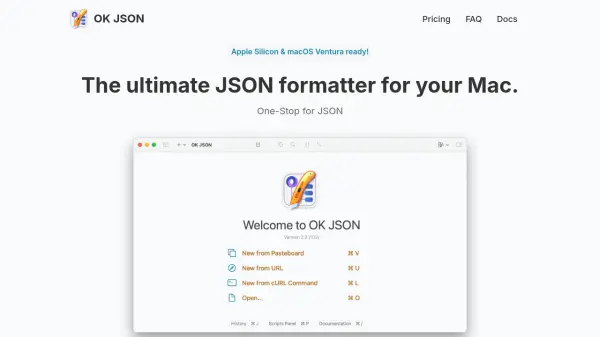
OK JSON provides a comprehensive set of tools for managing and editing JSON files directly on macOS devices. Users benefit from a two-pane interface that displays JSON structures in both tree view and text editor, enhancing readability and editing efficiency. With drag-and-drop support, Dark Mode, and local database history, it empowers users to work comfortably and securely, keeping all data processing on their machine.
Advanced users can utilize custom scripts powered by JavaScriptCore to process JSON strings and enjoy integrations with Quick Look and Raycast. OK JSON is a native app designed with privacy in mind, ensuring that all JSON data remains on your device without relying on external servers or services.
Features
- Two-Pane View: Displays JSON in both tree view and text editor for enhanced navigation.
- Native macOS App: Supports drag-and-drop, Dark Mode, and seamless macOS integration.
- Viewing History: Saves JSON file viewing history in a local database.
- Custom Scripts: Allows JSON processing with user-defined scripts using JavaScriptCore.
- Integrations: Offers Quick Look and official Raycast extension; supports Apple Script for further automation.
- Privacy Focused: All JSON processing occurs locally, ensuring no external data transmission.
Use Cases
- Format and visually analyze complex JSON files.
- Edit and validate JSON structures for software development.
- Process and manipulate JSON with custom JavaScript scripts.
- Maintain a searchable history of previously opened JSON documents.
- Integrate JSON viewing capabilities with Raycast workflows.
FAQs
-
Is there a difference between the Mac App Store version and the direct download version?
Both versions offer the exact same features without any limitations. -
Does OK JSON process my data online or locally?
All JSON processing and storage is handled locally on your Mac, ensuring maximum privacy. -
Can I process JSON with custom scripts?
Yes, you can use user-defined scripts powered by JavaScriptCore to manipulate and process JSON data.