
What is Ocanus?
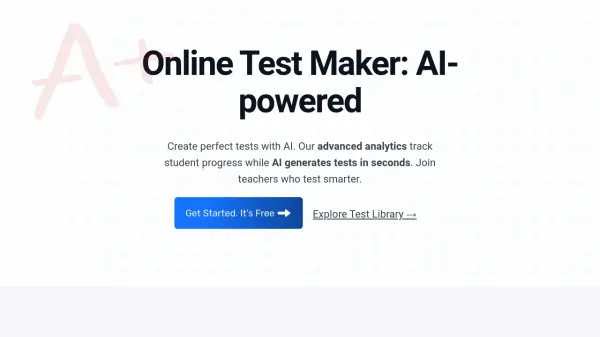
Ocanus provides a comprehensive solution for creating and managing online quizzes with a focus on educational applications. The platform enables teachers to design various quiz types, including drag-and-drop, multiple-choice, dropdown, and page questions, while supporting unlimited classes, students, and quizzes.
It automates the grading process, generates reports, and exports transcripts, allowing students to view results immediately after submission. The tool also features time-limited quizzes, pre-scheduled quiz creation, and supports repeated attempts to enhance learning outcomes.
Features
- Diverse Question Types: Supports drag-and-drop, multiple-choice, dropdown, and page questions
- Automatic Grading: Automatically grades papers and provides immediate results to students
- Unlimited Resources: Allows creation of unlimited classes, students, and quizzes
- Transcript Exporting: Generates and exports transcripts for reporting purposes
- Time-Limited Quizzes: Supports creation of quizzes with time constraints
- Pre-Scheduled Quizzes: Enables creation of quizzes in advance for future participation
Use Cases
- Creating online quizzes for classroom assessments
- Automating grading and reporting for educational assignments
- Managing multiple classes and student progress tracking
- Providing immediate feedback to students after quiz submissions
- Enabling self-study through repeatable quiz attempts
- Scheduling quizzes in advance for organized teaching
FAQs
-
Does Ocanus limit the classes created?
Teachers can create unlimited classes. -
Does Ocanus limit the number of students created?
Teachers can create unlimited students. -
Does Ocanus limit the number of quiz created?
Teachers can create an unlimited number of quizzes. -
Does Ocanus charge a fee?
Ocanus is completely free, with unlimited features for all accounts. -
I don't see student registration?
A student's account will be created by the student's teacher.