

What is Novelist?
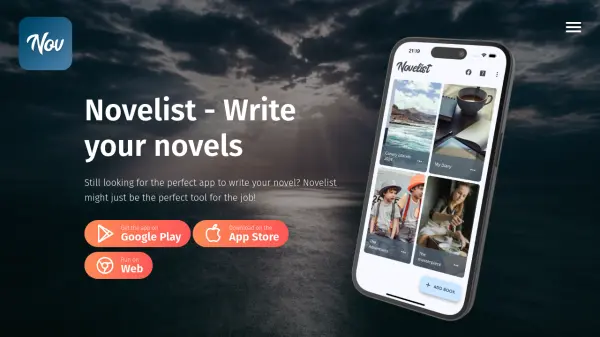
Novelist is a specialized writing application designed to assist authors in creating and managing their novels. The app provides a structured environment for organizing plot elements, characters, and scenes while offering advanced tools for text editing and progress tracking. Users can customize templates, set word count or due date goals, and compile their work into various formats suitable for ebook readers or word processors.
The application features a rich text editor with formatting options, comments, autosave, and revision history. It supports backup and restore functionality across internal, external, or cloud storage providers. Novelist is available on multiple platforms including smartphones and web, ensuring accessibility for writers on the go.
Features
- Output Compilation: Export books in multiple formats for ebook readers or word processors
- Rich Text Editor: Edit texts with advanced formatting, comments, autosave, and revision history
- Backup and Restore: Save work on internal, external, or cloud storage providers
- Goal Setting: Track chapter-by-chapter progress with word count or due date goals
- Integrated Preview: Preview final book output without leaving the app
- Templates: Use provided templates or create custom ones with categories and metadata
Use Cases
- Organizing plot elements and character traits for novel writing
- Structuring scenes and chapters with customizable outlines
- Tracking writing progress with goal setting for word counts or deadlines
- Editing and formatting text with advanced tools and revision history
- Compiling finished books into various output formats for publishing
FAQs
-
How many books can I write with Novelist?
There is no maximum number of books you can write using Novelist. The only limit is your imagination! -
Will there ever be a cloud version?
Yes, probably. A web based cloud version is already in development, but there's no timing schedule or pricing information at the moment. -
How are the features to be added established?
Every feature is carefully planned and introduced only after extensive testing. If you have feedbacks, suggestions, critics, feature requests or anything else please contact us.