What is Notes on Notion?
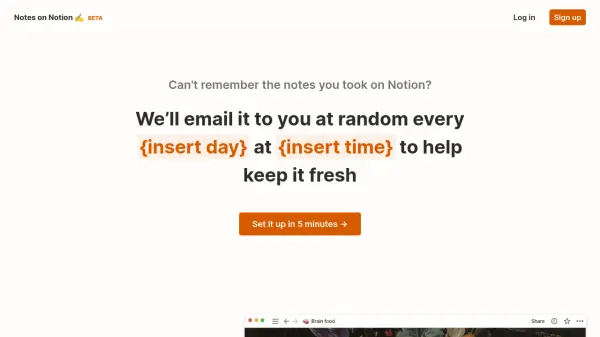
Notes on Notion helps you remember the notes you take on Notion by emailing them to you at random intervals. Set up in just 5 minutes using a simple Notion database with two columns: one for your notes and one for recall. Uncheck the Recall column for notes you don't wish to receive. You can adjust the frequency and timing of emails up to one per day, and choose to send to multiple email addresses. The service offers a free tier with one email per week and paid plans for more frequent emails and additional features.
Features
- Random Email Reminders: Receive your Notion notes at random intervals to improve recall.
- Simple Notion Setup: Use a two-column database with Notes and Recall columns; uncheck notes you don't need.
- Customizable Schedule: Choose frequency up to one email per day and set the time you receive them.
- Multiple Recipients: Send notes to up to 5 emails on paid plans.
- Unlimited Schedules: Manage multiple recall schedules for different Notion databases.
Use Cases
- Studying for exams by reviewing notes regularly
- Remembering key insights from books or articles
- Keeping important work notes top of mind
- Learning new skills with spaced repetition
- Sharing notes with study groups or family
FAQs
-
How do I set up Notes on Notion?
Create a Notion database with two columns: Notes (for your content) and Recall (a checkbox). Uncheck the Recall column for notes you don't want to be reminded of. Then connect your account and set your email schedule. -
Can I adjust how often I receive emails?
Yes, you can set the frequency up to one email per day on paid plans. The free plan allows one email per week. You can also choose the time of day. -
Is there a discount for students?
Yes, students and educators receive 50% off forever. Simply sign up with a .edu email address. -
Can I send notes to multiple email addresses?
Yes, the paid plans allow you to send notes to up to 5 email addresses. -
What happens if I uncheck the Recall column?
Unchecked notes will not be sent as email reminders. You can toggle this at any time.