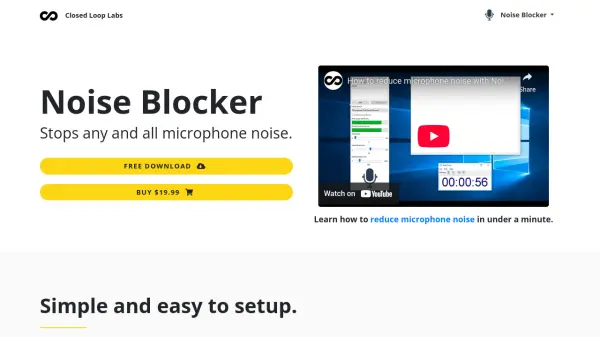
What is Noise Blocker?
Noise Blocker is an advanced noise gate software designed to eliminate unwanted microphone noises during various audio activities. It allows users to record samples of specific noises they want to block, such as background static, microphone hum, laptop fans, keyboard typing, and mouse clicks. The software analyzes incoming audio against these recorded noise samples and mutes accordingly, permitting only desired sounds to pass through.
Compatible with all major applications including Skype, Discord, Mumble, Slack, and Google Hangout, Noise Blocker offers a simple and customizable setup. It effectively addresses common audio issues like complaints about microphone buzz during calls, being muted in gaming sessions due to keyboard noise, and the inconvenience of toggling mute on conference calls.
Features
- Block any noise: Get rid of any pesky unwanted sounds like background static, microphone hum and buzz, laptop fan, keyboard typing, and mouse clicks
- Works with all apps: Compatible and easy to setup with any app including Skype, Discord, Mumble, Slack, and Google Hangout
- Simple and easy to setup: An easy to customize noise gate that helps you mute any unwanted microphone noise while on calls, gaming or streaming
Use Cases
- Reducing microphone noise during online calls and conferences
- Blocking keyboard and mouse noises while gaming on platforms like Discord
- Eliminating background static and hum during streaming sessions
- Improving audio quality in voice chats for applications like Skype and Slack
FAQs
-
What operating system is Noise Blocker compatible with?
Noise Blocker is for Windows 10. -
Is there a free version of Noise Blocker available?
Yes, Noise Blocker offers a free download with daily usage restricted after 1 hour before purchase. -
How does Noise Blocker work to block noises?
Noise Blocker works by allowing users to record samples of noises they want to block, then analyzing incoming audio against these samples to mute unwanted sounds while letting desired sounds through. -
What types of noises can Noise Blocker block?
Noise Blocker can block various unwanted sounds such as background static, microphone hum and buzz, laptop fan, keyboard typing, and mouse clicks. -
Which applications is Noise Blocker compatible with?
Noise Blocker is compatible with all apps, including but not limited to Skype, Discord, Mumble, Slack, and Google Hangout.