What is NeuralPit?
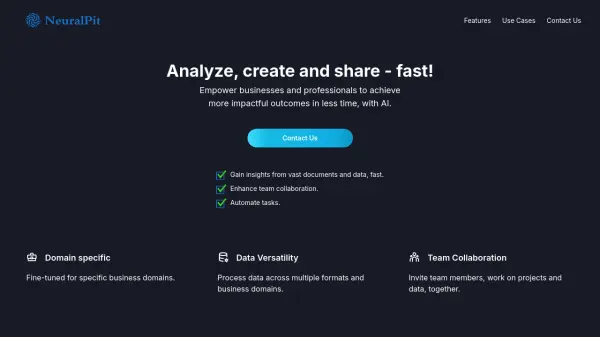
NeuralPit is a platform designed to enhance business productivity and innovation. It empowers users to gain insights from vast amounts of data, automate tasks, and improve team collaboration.
The platform is fine-tuned for specific business domains including Human Resources, Supply Chain, Marketing, Operations, and Business Analysis. NeuralPit processes data across multiple formats, including documents, videos, audio, websites, images, and datasets, and facilitates seamless team interactions by enabling team members to work on projects and data together.
Features
- Data Versatility: Process data across multiple formats and business domains.
- Team Collaboration: Invite team members, work on projects and data, together.
- Domain specific: Fine-tuned for specific business domains.
- Chat with documents and data: Interact with data, documents, websites, images, videos and more to quickly extract information.
- Data analytics and visualization: Identify and cleanse data issues, and analyze and visualize data by simply asking questions.
- Generate and visualize ideas: Use NeuralPit as a second brain to generate and visualize ideas, and to evaluate options. Create Mind maps, Gantt charts, and process diagrams.
Use Cases
- Quickly review resumes and shortlist candidates.
- Identify top talent based on experience and skills.
- Manage interviews and online reference checks.
- Summarize insights from documents and data.
- Analyze and visualize data.
- Generate and visualize ideas for business improvement.
- Team collaboration on projects
FAQs
-
What types of files can I upload to NeuralPit?
You can upload data in various formats, including documents, video, audio, websites, Youtube links, images, datasets, notes, and emails. -
Which Large Language Models (LLMs) does NeuralPit use?
NeuralPit fine-tunes and deploys suitable LLMs (GPT 3.5 turbo, GPT-4, Llama 2.0 or other models) to achieve highest performance for different plans, tools and applications or specific to business requirements.