

What is Nahoft?
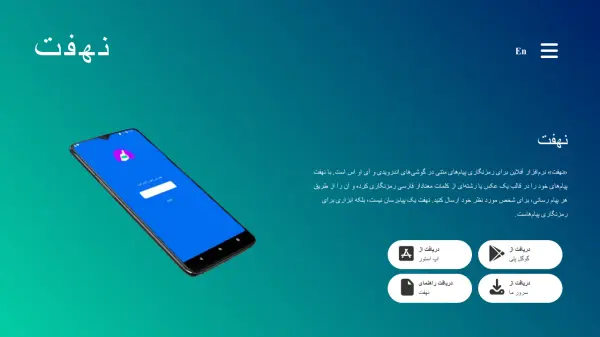
Nahoft is an offline mobile application designed for Android and iOS devices that enables users to encrypt text messages into either images or meaningful Persian word strings. The app does not function as a messaging service itself but rather as a tool for securing communications, allowing encrypted content to be sent through any existing messaging platform. It operates completely offline without relying on servers for encryption, decryption, or message transmission, ensuring user privacy and data security.
The application offers multiple security features including password protection, self-destruct codes for data erasure, and the ability to store or delete received messages after decryption. Nahoft has undergone two security audits by Cure53 researchers, with their recommendations implemented to enhance app security. It is free, open-source, and ad-free, with development supported by the non-profit organization United for Iran.
Features
- Offline Operation: Works completely without servers for encryption, decryption, or message transmission
- Image Encryption: Encrypts messages into images that can be stored locally or shared
- Text Encryption: Converts messages into meaningful Persian word strings for secure sharing
- Self-Destruct Code: Allows data erasure when a specific code is entered
- Password Protection: Secures app access with user-defined passwords
- Message Management: Enables storage or immediate deletion of decrypted received messages
Use Cases
- Secure private communications through regular messaging apps
- Protecting sensitive information in text messages
- Sharing confidential data without server dependency
- Maintaining privacy in regions with surveillance concerns
- Educational purposes for learning about encryption technology