What is My Stocks?
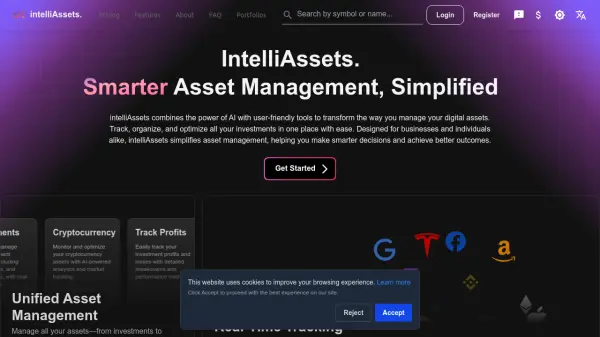
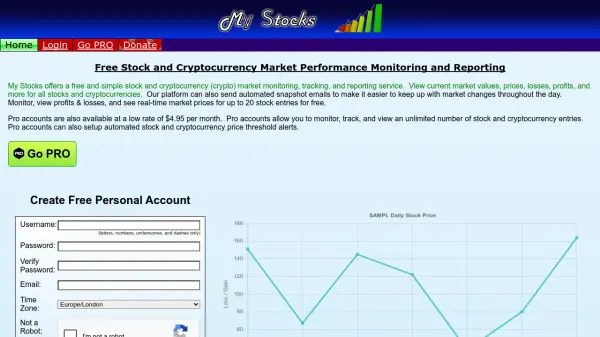
My Stocks is a platform designed for individuals seeking to monitor and report on stock and cryptocurrency market performance with ease. The service enables users to view real-time market values, prices, profits, and losses for a wide range of stocks and cryptocurrencies. Users can access up-to-date information for up to 20 entries for free, and receive automated snapshot emails throughout the day to stay aware of market changes.
Upgrading to a Pro account unlocks the ability to track an unlimited number of stocks and cryptocurrencies, along with advanced features like automated price threshold alerts. The intuitive interface helps users manage their portfolios efficiently and maintain full awareness of financial trends and market shifts across a variety of assets.
Features
- Real-Time Monitoring: View up-to-date prices and market values for stocks and cryptocurrencies.
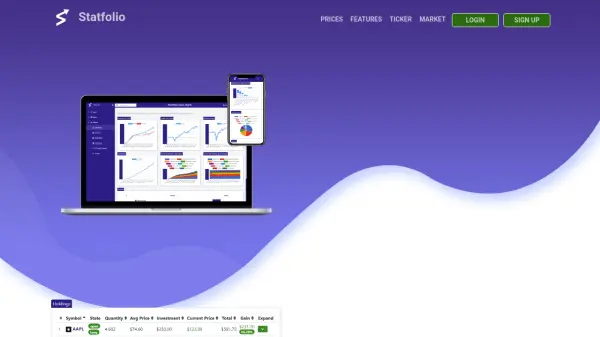
- Profit and Loss Tracking: Calculate and display profits and losses across all monitored assets.
- Automated Email Snapshots: Receive regular email updates with comprehensive market snapshots.
- Portfolio Management: Track up to 20 stocks and cryptocurrencies for free.
- Pro Plan Unlimited Entries: Monitor and manage unlimited stock and crypto entries with a Pro account.
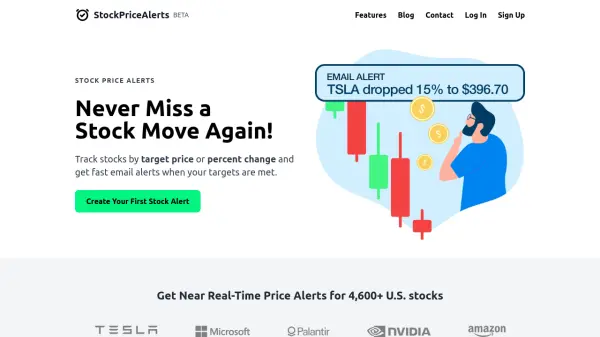
- Threshold Alerts: Set automated price alerts for instant notifications on asset changes (Pro feature).
Use Cases
- Track daily stock performance and portfolio value.
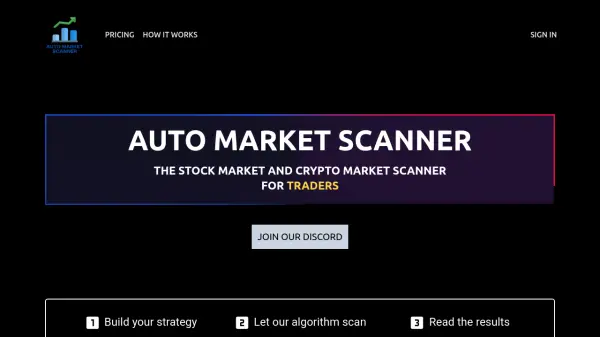
- Analyze cryptocurrency market trends in real time.
- Receive automated email alerts to stay informed of sudden market changes.
- Set up price threshold notifications to never miss important asset movement.
- Manage investment portfolios with both free and premium tracking capabilities.