What is My Journey?
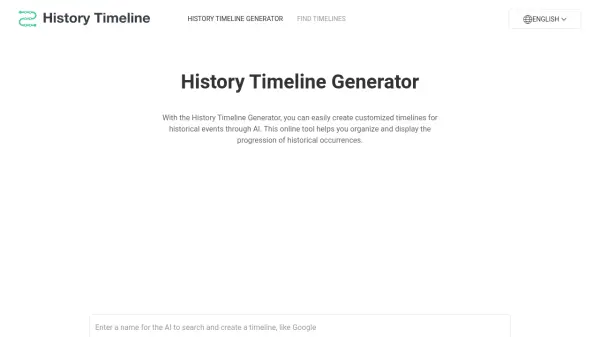
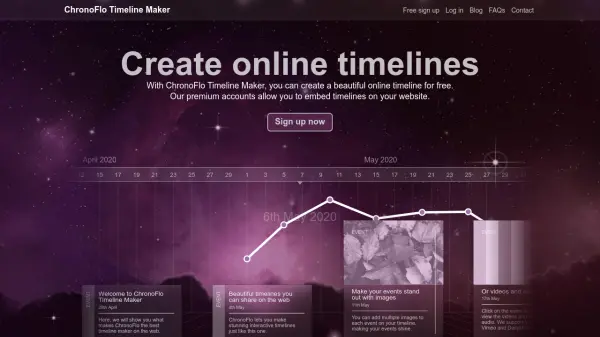
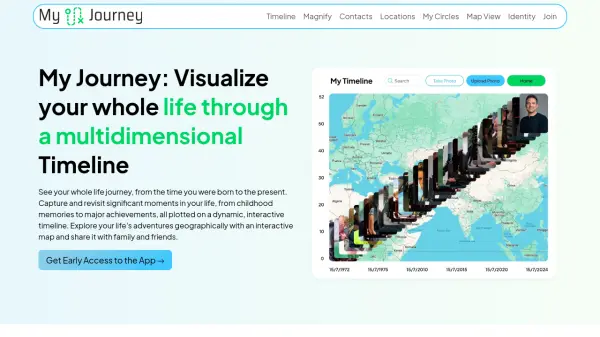
My Journey allows users to visualize their entire life journey from birth to the present on a dynamic, interactive timeline. Users can capture and revisit significant life moments, from childhood memories to major achievements.
The platform enables users to explore their life's adventures geographically through an interactive map. It allows hovering over the timeline and zooming into any photo or video and adding notes for reference. Advanced AI creates captivating stories about experiences by using photos, videos, contacts, notes, and location history, highlighting special events, trips, and milestones.
Features
- Interactive Timeline: Visualize your life from birth to present.
- Photo and Video Integration: Add, search, and filter photos and videos.
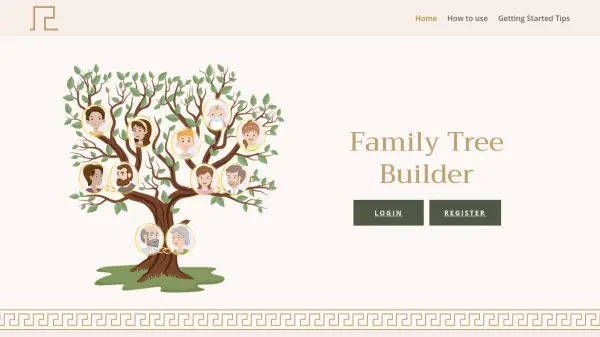
- Contact Journey: Track relationships with precise dates, locations, and events.
- Location History: See all the places you've been.
- AI-Powered Stories: Automatically generates stories from your experiences.
- Multiple Views: Switch between map, list, and contact views.
- Filtering and Search: Find specific locations, contacts, or date ranges.
Use Cases
- Reliving personal memories and milestones.
- Tracking the history of relationships.
- Visualizing travel history and locations visited.
- Creating and sharing life stories.
- Organizing photos and videos chronologically.
- Reflecting on personal growth and experiences.