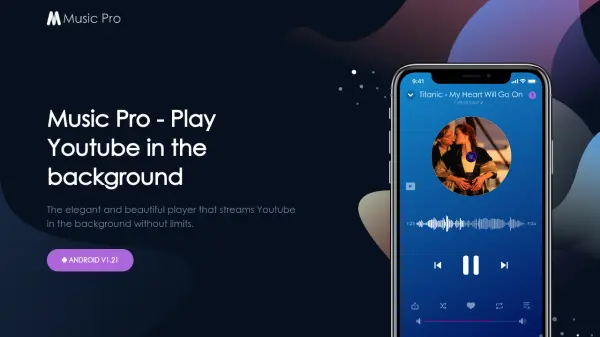
What is Music Pro?
Music Pro is an Android application designed as an elegant music player that enables users to stream YouTube content in the background without limitations. The tool allows for uninterrupted playback of tracks and playlists by eliminating ads, providing a seamless listening experience. Users can import their existing playlists from various sources with a single touch, ensuring their music collections are easily accessible.
The application features the ability to turn off video while playing audio, which helps prevent device overheating, reduces data consumption, and minimizes battery drain. This functionality makes it ideal for users who want to enjoy audio content without the visual component, optimizing performance and resource usage on their Android devices.
Features
- Background Playback: Stream YouTube tracks and playlists in the background without interrupting ads
- Playlist Import: Import playlists from various sources with a single touch for easy access
- Video-Off Mode: Turn off video while playing audio to prevent overheating, reduce data usage, and minimize battery drain
Use Cases
- Listening to music from YouTube while using other apps on Android devices
- Streaming ad-free audio content from YouTube playlists in the background
- Reducing battery consumption and data usage when playing YouTube audio without video