

What is Moon FM?
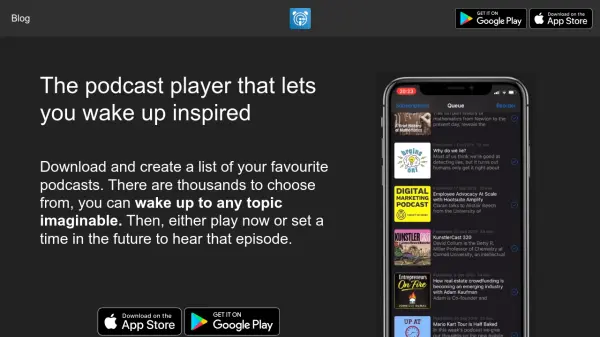
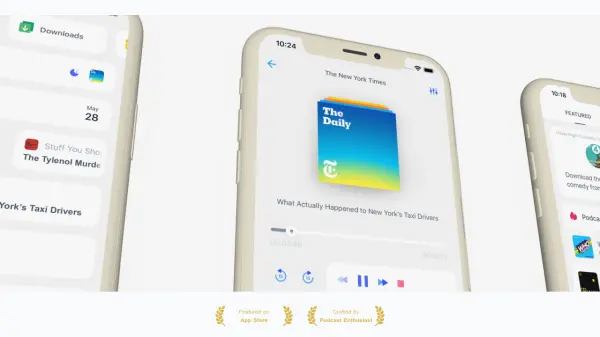
Moon FM offers podcast enthusiasts a seamless listening experience, delivering intuitive navigation and powerful features across Android, iOS, Mac, and PC devices. With no account required, users can enjoy discovering top charts, featured content, and a vast library of over 700,000 podcasts, including sports, music, talk, and news radio channels from around the globe.
The platform enables real-time syncing across devices with a self-hosted service, easy OPML import for hassle-free migration, and extensive theme customization options—including dark mode. Features like auto-off sleep timers, Car Play, adjustable playback speed, and an advanced desktop-only equalizer provide a tailored and enjoyable listening journey.
Features
- Cross Platform: Seamless functionality across Android, iOS, Mac, and PC
- Real-Time Sync: Sync listening progress and settings across multiple devices
- OPML Import: Easily migrate podcast subscriptions
- Theme Customization: Multiple themes including Dark Mode for personal preference
- Sleep Timer: Sets an auto-off timer for audio playback
- Car Play Integration: Effortless in-vehicle access
- Variable Speed Control: Adjust playback speed
- Fast Forward and Rewind: Easy navigation within episodes
- Equalizer (Desktop Only): Advanced sound customization for pure audio
- No Account Required: Start listening instantly without registration
Use Cases
- Migrating podcast subscriptions from other platforms
- Discovering new popular, top-chart, or featured podcasts
- Enjoying podcasts with custom audio and visual experiences
- Listening across devices with synchronized progress
- Accessing free sports, music, talk, and news radio globally
- Using Car Play for podcasts during driving
- Adjusting playback speed and audio quality for different genres