

What is Mojo?
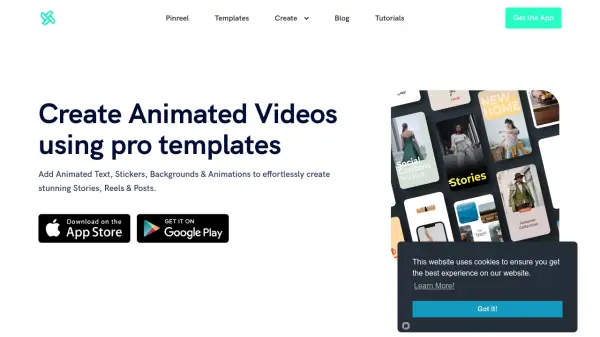
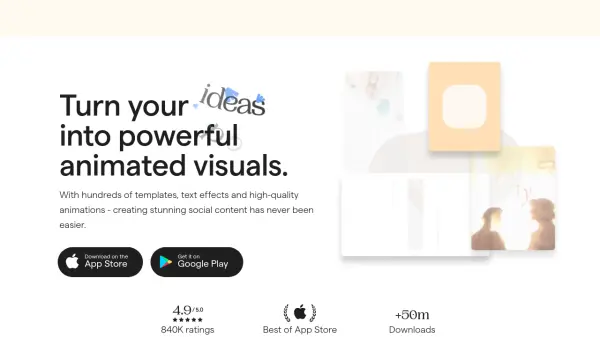
Mojo is a comprehensive video creation platform that transforms ordinary stories into engaging animated visuals. The platform combines AI technology with an extensive library of templates, text effects, and professional-grade animations to help users create stunning social media content.
With features like royalty-free music, photos, and videos, background removal capabilities, and auto-captions, Mojo enables businesses and content creators to produce professional-looking content efficiently. The platform supports multiple formats and allows for seamless sharing across various social media platforms.
Features
- Template Library: Access to 500+ animated templates
- Brand Customization: Add custom fonts, logos, and colors
- Background Removal: Remove image backgrounds with one click
- Auto Captions: Automatically generate video captions
- Format Flexibility: Resize content for all social media formats
- Asset Library: Access to royalty-free music, photos, and videos
- Team Collaboration: Share and edit projects with team members
- Social Integration: Direct sharing to social media platforms
Use Cases
- Social media content creation
- Business promotion and advertising
- Brand storytelling
- Product marketing
- Real estate showcases
- E-commerce promotion
- Digital agency content production
- Local business marketing
FAQs
-
Can I use Mojo for free?
Yes! You can use Mojo for free with access to basic features and templates. -
What is the difference between Mojo Pro and Mojo Teams?
Mojo Pro is designed for individuals while Mojo Teams is for professionals working together who need collaboration tools. -
How long is the free trial?
Mojo Pro and Teams offer 7-day free trials. -
Can I use Mojo Pro across multiple devices?
Yes, you can use Mojo Pro on all your devices by logging into your account, which allows you to sync your work across devices.