What is Mirage?
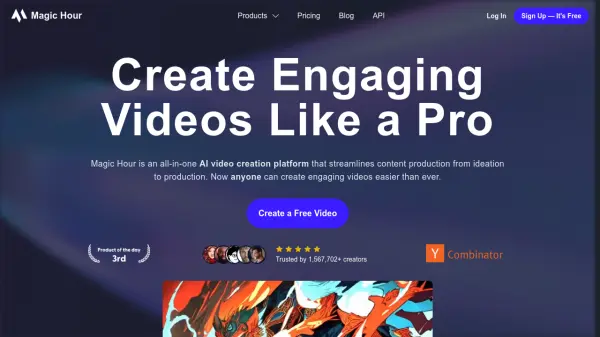
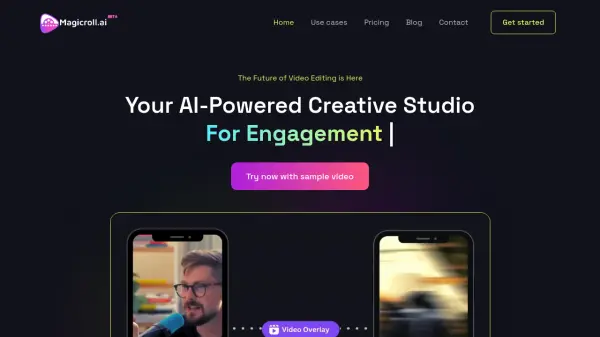
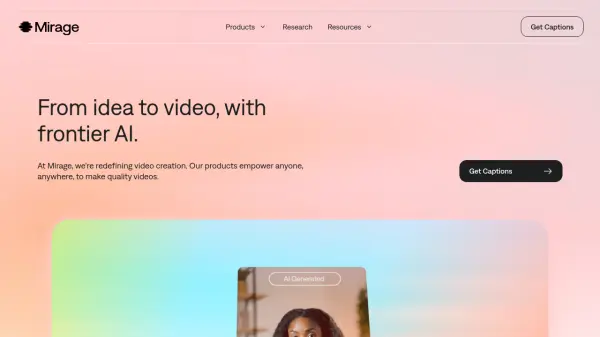
Mirage is a comprehensive AI video creation platform that enables users to produce professional-quality videos efficiently. The platform offers an all-in-one video editor and generator called Captions, which allows users to create new footage using AI avatars or digital twins. By leveraging advanced AI models, Mirage can turn scripts, prompts, or raw footage into polished videos complete with automated captions, visuals, and audio enhancements.
In addition to its consumer-facing products, Mirage provides APIs for bulk video generation and captioning, enabling businesses to integrate state-of-the-art video intelligence into their workflows. The platform is designed to scale video production, making it accessible for individuals, small businesses, and large enterprises alike, with features that support rapid content creation for social media and advertising platforms.
Features
- AI Video Generation: Create new footage with AI avatars or digital twins from scripts or prompts
- Automated Captions: Generate captions in over 100 languages with customizable styling
- AI Editing Tools: Apply AI Edit styles, generate custom B-roll, music, sound effects, and images
- Chat-Based Editor: Use a conversational interface to handle video changes and edits
- Bulk Video API: Integrate video generation and captioning capabilities into existing workflows at scale
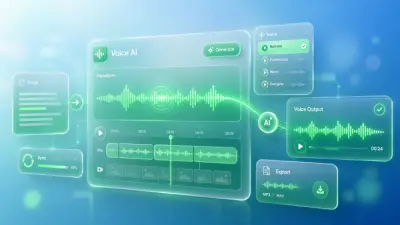
- Audio Enhancement: Features include AI voice cloning, denoising, voiceover, and sound effects
Use Cases
- Creating social media videos with automated captions and AI-generated visuals
- Producing marketing and advertising content using AI actors and custom footage
- Generating educational or training videos with polished audio and visual elements
- Translating and localizing video content for international audiences
- Enhancing raw footage with AI-powered editing, music, and sound effects
- Developing video content at scale for businesses and agencies through API integration
FAQs
-
What is the difference between Mirage and Captions?
Mirage is the company name, while Captions is one of its flagship products. Captions is an all-in-one video editor and generator available as an iOS app or web version. -
How do I sign up for Captions?
Captions is available as an iOS app through the app store or as a web version where you can sign up directly on the website. -
Can I switch between different subscription plans?
Yes, you can upgrade or downgrade your plan at any time through your account settings or app store settings, with prorated billing for upgrades and current plans remaining active until the end of the billing cycle for downgrades. -
What is the difference between monthly and yearly plans?
Yearly plans bill for 12 months upfront at a discounted rate, while monthly plans offer flexibility with payments each month without long-term commitment.